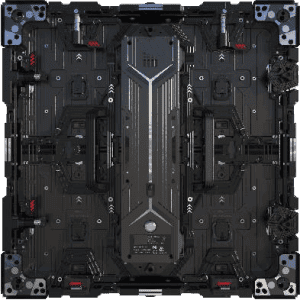
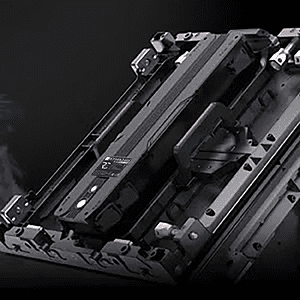
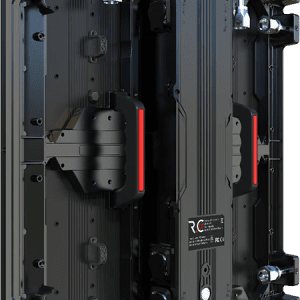
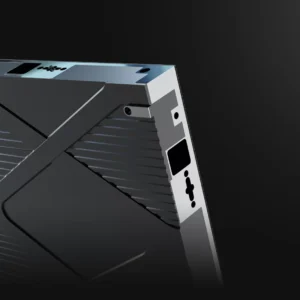
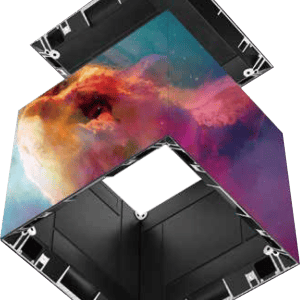
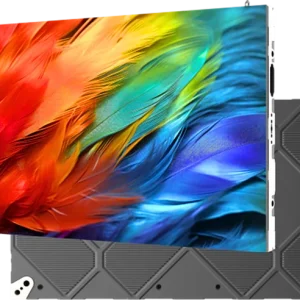
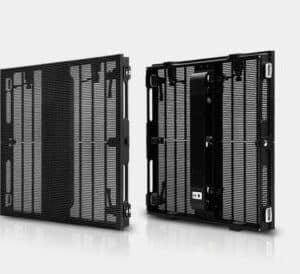
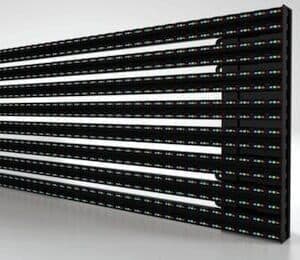
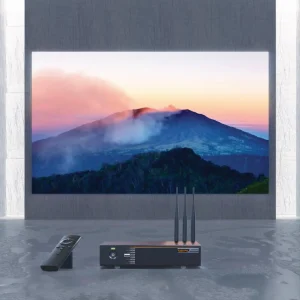
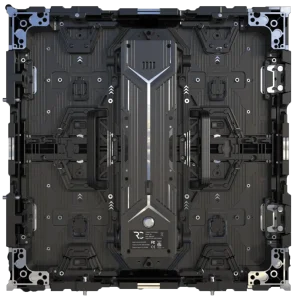
The 1.5mm direct view LED video wall (P1.5, technically 1.58mm) is fine-pitch territory — close-viewing distances of 1 to 1.5 metres, native Full HD or higher in a compact footprint, and the kind of image quality you can put in front of a boardroom table or a broadcast presenter without seeing pixel structure. For permanent installs at P1.5, Dynamo specifies the DFC Series (Flip Chip COB) — our premium fixed-install indoor product line.
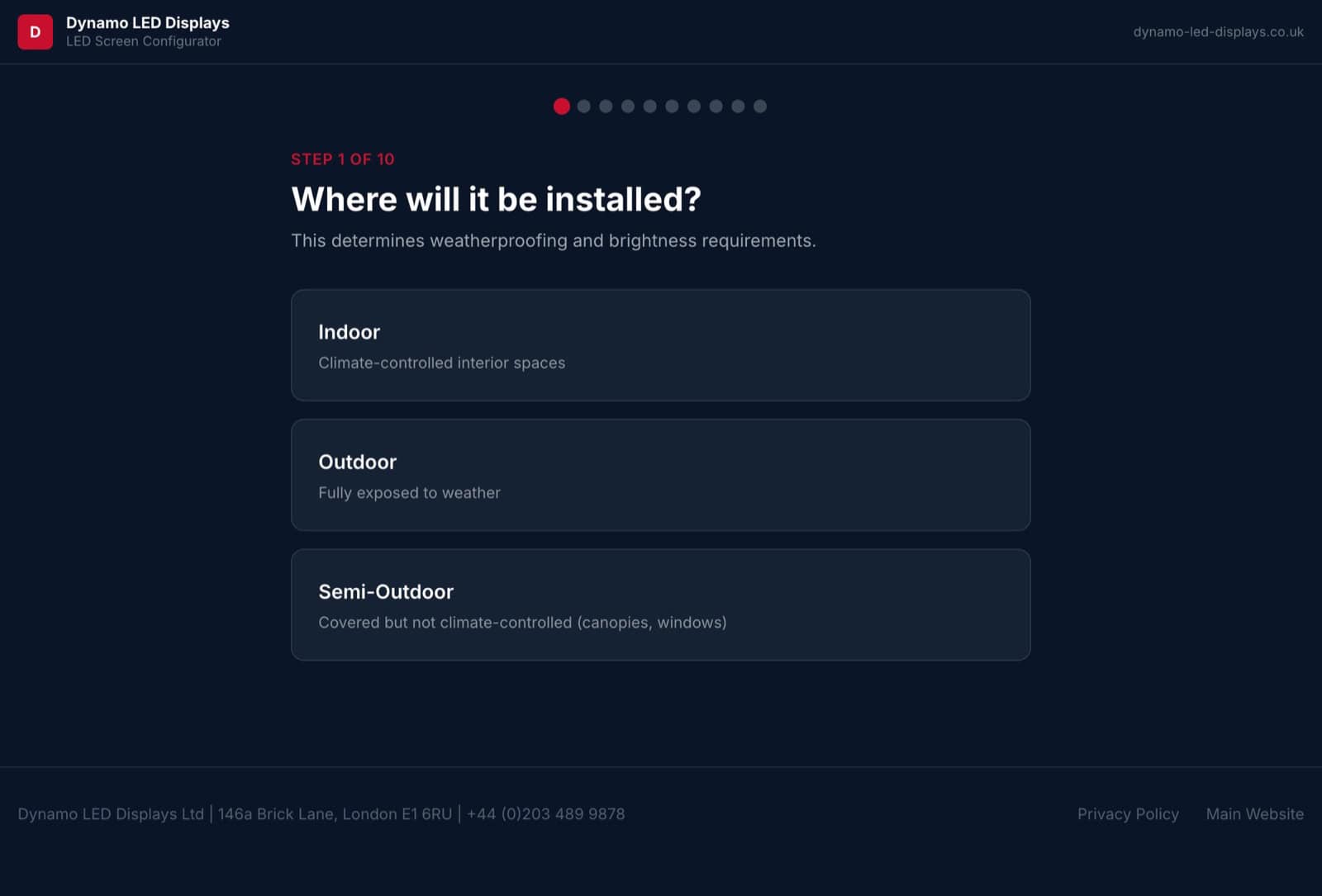
Spec a P1.5 DFC wall in 3 minutes. The configurator returns cabinet count, processor sizing and a budget figure with a downloadable PDF.
When P1.5 is the right pitch — and why DFC is the right product
The rule of thumb for LED pitch selection is one metre of viewing distance per millimetre of pitch. P1.5 lets viewers sit 1–1.5 metres from the screen with no visible pixel grid — the territory of executive boardrooms, broadcast studios, control rooms, network operations centres, video conferencing rooms, executive briefing centres, broadcast green rooms, and any premium retail flagship where the screen sits within touching distance of the customer.
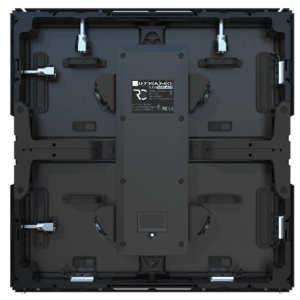
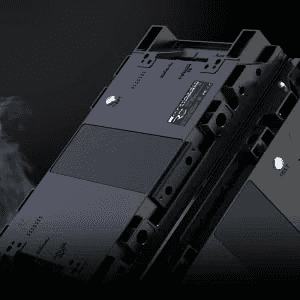
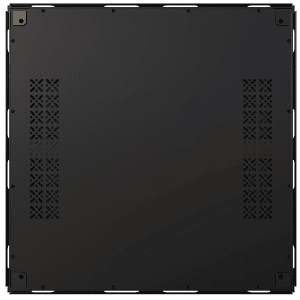
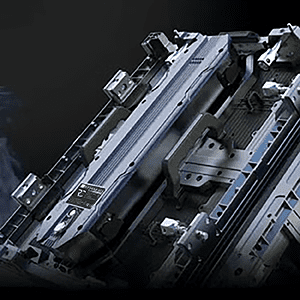
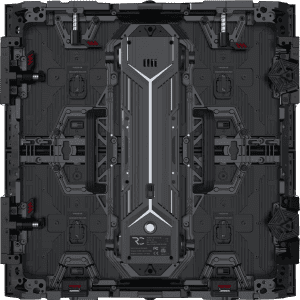
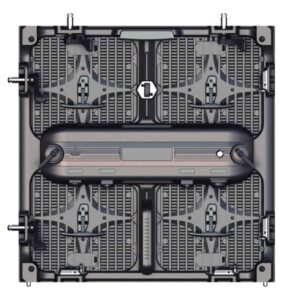
The dominant product at this pitch class for permanent installation is Dynamo’s DFC Series — a Flip Chip COB (Chip-On-Board) cabinet specifically built for premium fixed-install contexts. Flip Chip COB delivers a flat, glass-like front surface (no exposed SMD packages), deeper blacks and higher contrast than equivalent SMD product, an ultra-thin 37mm cabinet depth, and energy consumption around 50% lower than comparable SMD product at the same pitch. The DFC range covers DFC 1.5 (1.58mm pitch) and DFC 1.9 (1.9mm pitch).
At 1.58mm pitch you get just over 400,000 pixels per square metre — well over 2.5× the density of a P2.5 wall. That density is what delivers Full HD resolution in a compact 3m × 1.69m footprint, and 4K in a 6m × 3.375m wall.
DFC 1.5 — full technical specification
| Spec | DFC 1.5 (Flip Chip COB) |
|---|---|
| Pixel pitch | 1.58 mm |
| LED type | COB — Flip Chip (no exposed SMD packages) |
| Module size | 304 × 342 mm |
| Module resolution | 192 × 216 pixels |
| Cabinet size (single) | 304 × 342 × 37 mm |
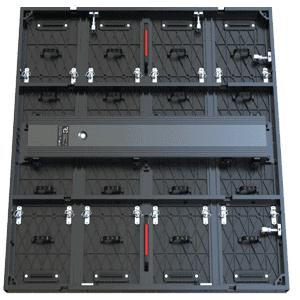
| Cabinet size (standard) | 608 × 342 × 37 mm |
| Cabinet size (double-H) | 608 × 684 × 40 mm |
| Cabinet resolution (standard) | 384 × 216 pixels |
| Pixel density | ~400,000 pixels / m² |
| Brightness | 600–1,500 cd/m² (adjustable) |
| Grey scale | 13-bit |
| Refresh rate | 3,840 Hz |
| Cabinet weight | 2.8 / 5.2 / 10 kg (single / standard / double-H) |
| Cabinet material | Die-cast aluminium |
| Cabinet thickness | 37 mm |
| Max power | 180 / 340 W/m² |
| Receiving card | Dual backup |
| Power supply | Dual backup |
| Service access | Front maintenance |
| Energy saving | ~50% vs comparable SMD product |
Step-up to DFC 1.9 if the closest viewer sits 1.9 m or further — same Flip Chip COB build, lower pixel-density spend, materially lower capex per square metre. The configurator returns the right model for any wall.
Why DFC (Flip Chip COB) instead of SMD at this pitch
At sub-2mm pitch the LED packaging matters as much as the pitch itself. Premium broadcast and boardroom contexts benefit from COB over SMD for four specific reasons:
- Flat front surface — Flip Chip COB encapsulates the LEDs flush with the module face. No visible package shadows under camera lighting, no reflectivity quirks under direct studio fixtures.
- Higher contrast and deeper blacks — the encapsulation absorbs ambient light better than SMD spacing. The on-camera image reads cleaner in broadcast.
- Impact resistance — talent leaning against a broadcast scenic wall, customers in a retail flagship brushing the screen, fingers in a boardroom interactive context — COB tolerates all of it. SMD doesn’t.
- Lower power draw and heat output — DFC runs at roughly half the power per square metre of comparable SMD product at the same brightness, which matters for soundproofed studios and boardrooms with limited HVAC.
For premium fixed-install contexts the trade-off is consistent: DFC at modest premium over SMD on capex, with materially better total cost of ownership over a 5-year horizon (lower run cost, lower service rate, longer aesthetic life).
Why fine-pitch costs more — and when it’s worth it
At P1.5, you’re paying for 2.5× the pixel density of a P2.5 wall plus the COB packaging premium. That premium is worth it when the screen sits within 2 metres of viewers (where P2.5 pixel structure starts to become visible), or when the content is information-dense rather than ambient — data dashboards, broadcast graphics, video conferencing where individual faces need to be clear, executive briefing decks where presenter and audience are within touching distance.
If viewers are typically 3 metres or further away, P2.5 (DX Series) will deliver visually identical image quality at a substantially lower cost per square metre. The configurator calculates this trade-off automatically based on your room dimensions and viewer positions.
P1.5 vs P2.5 — premium tier vs mid-range
| Question | P1.5 — DFC Series (Premium) | P2.5 — DX Series (Mid-range) |
|---|---|---|
| LED packaging | Flip Chip COB | SMD 1515/2020 |
| Pixel density / m² | ~400,000 | 160,000 |
| Min comfortable viewing distance | 1.0–1.5 m | 2.5 m |
| 4K-native footprint | 6.0 × 3.375 m | 9.6 × 5.4 m |
| Full HD footprint | 3.0 × 1.69 m | 4.8 × 2.7 m |
| Typical use | Boardroom, broadcast studio, control room, broadcast green room, premium retail flagship | Corporate lobby, mid-size boardroom, retail, hospitality lobby |
| Cost positioning | Premium per m² | Mid-range per m² |
The decision is rarely “P1.5 vs P2.5” in the abstract — it’s “can my closest viewer sit further than 2.5 metres from the wall?” If yes, P2.5 (DX) saves materially on capex. If no — boardroom table, broadcast presenter desk, control-room console — DFC at P1.5 is the only spec that doesn’t show its own pixel grid.
Premium fixed-install use cases — where DFC 1.5 lands
- Executive boardroom — presenter at the head of the table, attendees within 1.5 m. DFC 1.5 in a 3 × 1.69 m or 4.5 × 2.5 m wall, native HD or higher, broadcast-quality during presentations.
- Broadcast studio — presenter standing within 1 m of the wall, talent reading from on-wall content, cameras catching the screen in the same frame as the talent. DFC 1.5 is the minimum spec where the on-camera image doesn’t show moiré or pixel grid.
- Broadcast green room / talent prep area — talent monitoring rundown content close-up, no visible SMD packages on camera if the wall is in shot.
- Control room / NOC — operators seated 1–2 m from a long display. DFC 1.5 keeps small-font data dashboards text-readable; coarser pitch forces fewer, larger tiles.
- Video conferencing / executive briefing — remote attendees on Zoom/Teams need to read body language from the wall. At P1.5 a 3 m wall delivers native HD for the conference feed.
- Premium retail flagship — customer-facing screen within 1.5 m of the customer, brand-led content that depends on edge-clean typography and product photography. COB tolerates handling and brushing where SMD would scuff.
- 4K-native interior — production stages, XR/virtual production environments, or any wall designed around a 3840 × 2160 native pipeline at a 6 × 3.375 m physical size.
P1.5 buyer checklist
- Is the closest viewer within 1.5 metres of the wall? If yes — boardroom seating, broadcast presenter desk, control-room console — DFC 1.5 is the right product. Beyond 2.5 m, drop to P2.5 (DX Series).
- What is the native resolution target? Full HD in 3 × 1.69 m, 4K in 6 × 3.375 m. The configurator confirms the build size for any resolution target.
- Permanent install or rental? DFC is built for permanent fixed install. For event/exhibition P1.55 builds, see the rental section below.
- Front-access service? DFC cabinets are front-maintained — specify that explicitly if the wall is mounted against a fixed structure with no rear clearance.
- Brightness target? DFC 1.5 runs 600–1,500 cd/m² adjustable. Boardroom and broadcast typically calibrate to 200–400 cd/m²; daylit retail closer to 1,000.
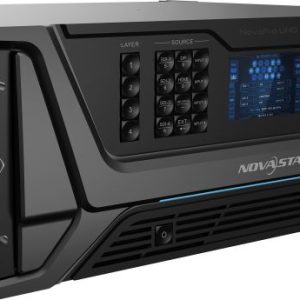
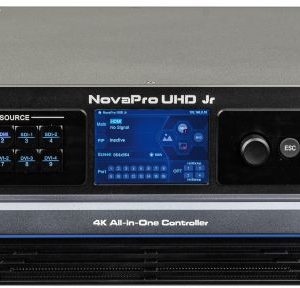
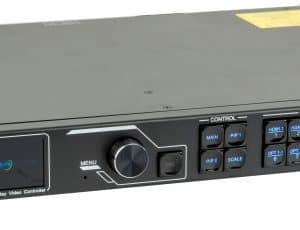
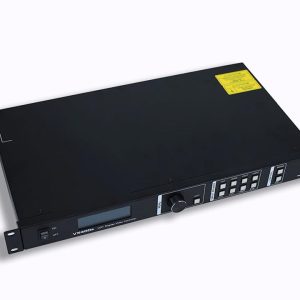
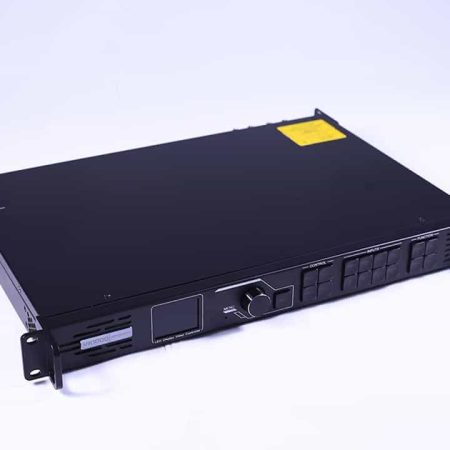
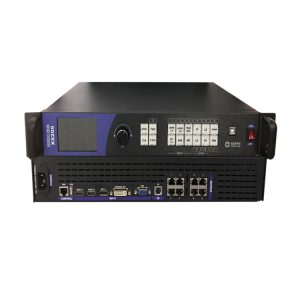
- Processor headroom? P1.5 pixel counts climb fast. A 3 × 1.69 m wall is 2.07M pixels — a NovaStar VX1000 covers it; larger walls jump to MX-series.
- Redundancy? DFC ships with dual-backup receiving cards and dual-backup power as standard. Specify both if the wall is mission-critical (control room, broadcast on-air).
Recent fine-pitch and premium dvLED projects
Reference projects from our portfolio that share DFC-class premium-context design considerations:
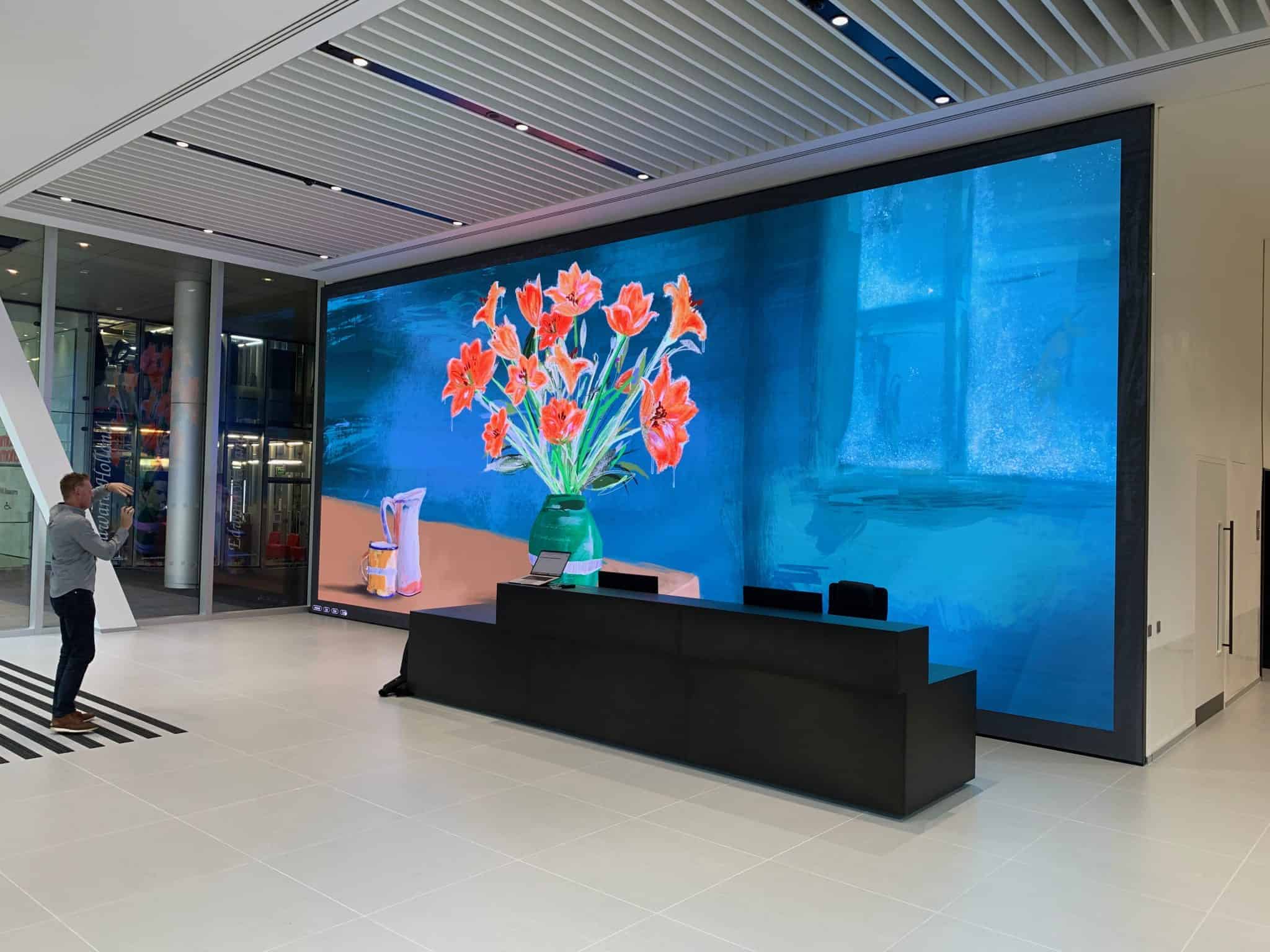
- Aldar & London Square — Westminster Tower marketing suite: premium residential developer marketing suite, close-viewing dvLED in a high-finish interior.
- Autotrader Manchester HQ: corporate headquarters dvLED for boardroom-adjacent presentation space.
- Sotheby’s London: luxury retail flagship dvLED — premium customer-facing close-viewing context.
Full catalogue at Dynamo LED projects worldwide.
For exhibition, rental and event P1.55 builds
DFC is a permanent-install product. For short-term rental, exhibition stands or stage builds where the wall ships, rigs and de-rigs repeatedly, the right product is our DRE Series — IP-rated rental cabinets built for transport and quick assembly (DRE P1.55, P1.93, P2.58, P2.95, P3.875). For rental enquiries see LED screen hire.
Build a P1.5 spec for your space
Spec a P1.5 DFC wall →
Pitch pre-set to P1.5. The configurator walks size, viewing distance, signal source and returns a complete spec with PDF.
P1.5 fine-pitch LED — FAQ
What is the actual pixel pitch — 1.5 mm or 1.58 mm?
Manufacturers label this product class “P1.5” but the precise centre-to-centre pixel spacing on DFC 1.5 is 1.58 mm. Visually and commercially the two are interchangeable; specs and resolution maths are based on the 1.58 mm figure.
When should I choose DFC 1.5 over DFC 1.9?
DFC 1.9 is the same Flip Chip COB build at a coarser pitch, sized for viewer positions 1.9–2.5 m from the wall. If the closest viewer sits 1.5 m or closer, DFC 1.5. If they sit further than 1.9 m, DFC 1.9 saves on capex. Boardroom and broadcast presenter desks usually want DFC 1.5; corporate briefing rooms and slightly larger conference spaces can drop to DFC 1.9.
When should I choose P1.5 over P2.5?
Whenever the closest viewer is within 2.5 metres of the wall, or when the content is information-dense (data dashboards, broadcast graphics, video conferencing of individual faces). For ambient content viewed from 3 m or further, P2.5 (DX Series) delivers indistinguishable image quality at materially lower cost per square metre.
Can P1.5 drive a 4K resolution image natively?
Yes. At 1.58 mm pitch, 3840 × 2160 (UHD/4K) is a 6.07 × 3.41 m wall. For broadcast studios, XR stages, or executive briefing centres specifying a true 4K-native canvas, DFC 1.5 is usually the right pitch — it reaches 4K in a manageable physical footprint without going larger than the room allows.
What is Flip Chip COB and why does it matter?
COB (Chip-on-Board) means the LEDs are bonded directly to the PCB and protected by a flat encapsulation layer. Flip Chip COB inverts the LED orientation for shorter electrical paths, higher efficiency, and deeper blacks. The result is a flat module face — no exposed SMD packages — with better impact resistance, higher contrast, and roughly half the power draw of equivalent SMD product at the same brightness. For broadcast and premium retail it’s the standard spec; for boardroom and control room it’s a meaningful aesthetic and TCO upgrade.
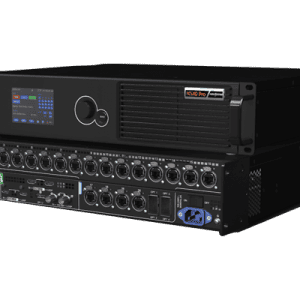
What processor does a DFC 1.5 wall need?
DFC 1.5 pixel counts climb fast — a 3 × 1.69 m wall is already 2.07M pixels. NovaStar VX1000 (2.6M / port) handles small-to-mid P1.5 walls; anything larger or 4K-class jumps to the MX-series. Full sizing logic in our NovaStar processor sizing guide.
Is DFC 1.5 worth it for a video-conferencing room?
Almost always. Video-conferencing rooms put viewers within 1.5 m of the wall and the content (remote attendees’ faces, shared documents) is information-dense. At P2.5 viewers see the pixel grid; at DFC 1.5 the wall reads as a single image and individual faces are clearly resolved.
Can I rent a P1.5 wall for an event?
Yes — but rental builds use a different product line. DFC is built for permanent install. For exhibition stands, stage builds and short-term hire at P1.55, our DRE Series rental cabinets are the right spec — see LED screen hire.
How long does a DFC 1.5 install take?
Lead time from order to commissioned wall is typically 4–6 weeks for standard pitches and cabinet counts. Site install for a flat-wall boardroom build is a 1–2 day job; broadcast or control-room builds with bespoke processor integration can run to 4–5 days including commissioning.
For more pitches and configurations, see the dvLED pixel pitch guide, the full LED video walls range, all LED display products, or call our engineers on 0203 489 9878.