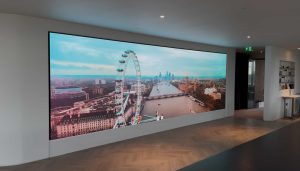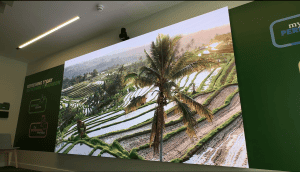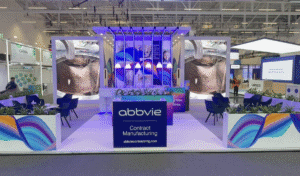
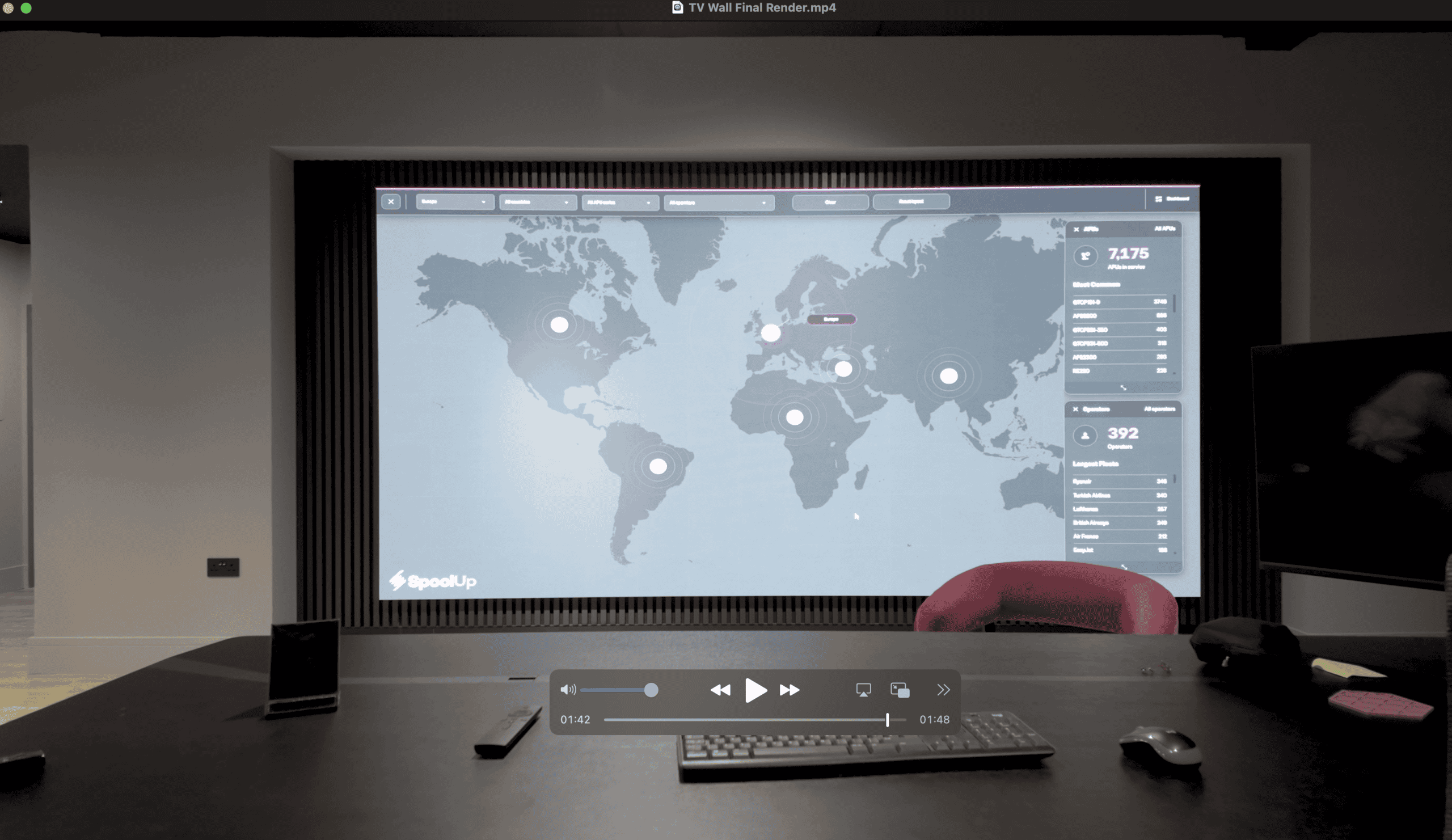
A meeting room LED screen is a fine-pitch direct-view LED wall, typically 1.2mm–2.5mm pixel pitch and 3 to 6 metres wide, installed as the front-of-room display in a boardroom or video conferencing suite. It replaces tiled LCD with a single continuous, low-latency image at whatever size and aspect ratio the room needs. This category used to be priced for broadcast studios and flagship lobbies; pixel pitches of 2mm and below now sit within corporate fit-out budgets, and they remove the two problems that have always dogged conferencing suites: the visible seams of tiled LCD, and image sizes capped by the largest single panel you can get through the door. This guide covers what a specifier actually needs to decide, grounded in how we build these rooms at Dynamo.
Key takeaways
- Direct-view LED gives you a single continuous image at any width. Tiled LCD always shows bezels, and the camera shows those seams to everyone on the call.
- Pixel pitch drives the specification. Chairs within 2 metres of the wall point to 1.2mm–1.5mm, where our 1.5mm fine-pitch LED display is the reference point; seating from around 2.5 metres back is well served by a 2mm indoor LED screen.
- Content changes the decision as much as viewing distance. Spreadsheets and technical drawings may justify a finer pitch than a room used mainly for remote faces and slides.
- Native resolution is set by the module grid, not the diagonal. A mid-sized wall is not automatically UHD; the processor scales content to the wall’s actual pixel map.
- Latency matters more in a conferencing room than almost any other corporate install. Specify low-latency processing so room audio, camera feed and screen stay in step.
- Specify fixed-install panels. Rental-grade product is built for repeated assembly and transport, and it is the wrong tool for a permanent boardroom.
Meeting room LED screens at a glance
| Factor | Typical specification |
|---|---|
| Application | Boardroom, conference room, executive briefing room or divisible meeting suite |
| Pixel pitch | 1.2mm–2.5mm depending on room depth and content |
| Common screen width | 3 to 6 metres |
| Product type | Fixed-install fine-pitch dvLED, front-serviceable cabinets |
| Closest comfortable seat | Rule of thumb: pitch in millimetres ≈ minimum viewing distance in metres |
| Brightness in use | Calibrated ceiling set at commissioning for room lighting and camera exposure |
| Processing | Novastar or Brompton, specified for low latency |
| Service access | Front-serviceable modules; no rear access corridor needed |
| Warranty | 3-year return-to-base as standard |
Why choose an LED screen over flat panels for a meeting room?
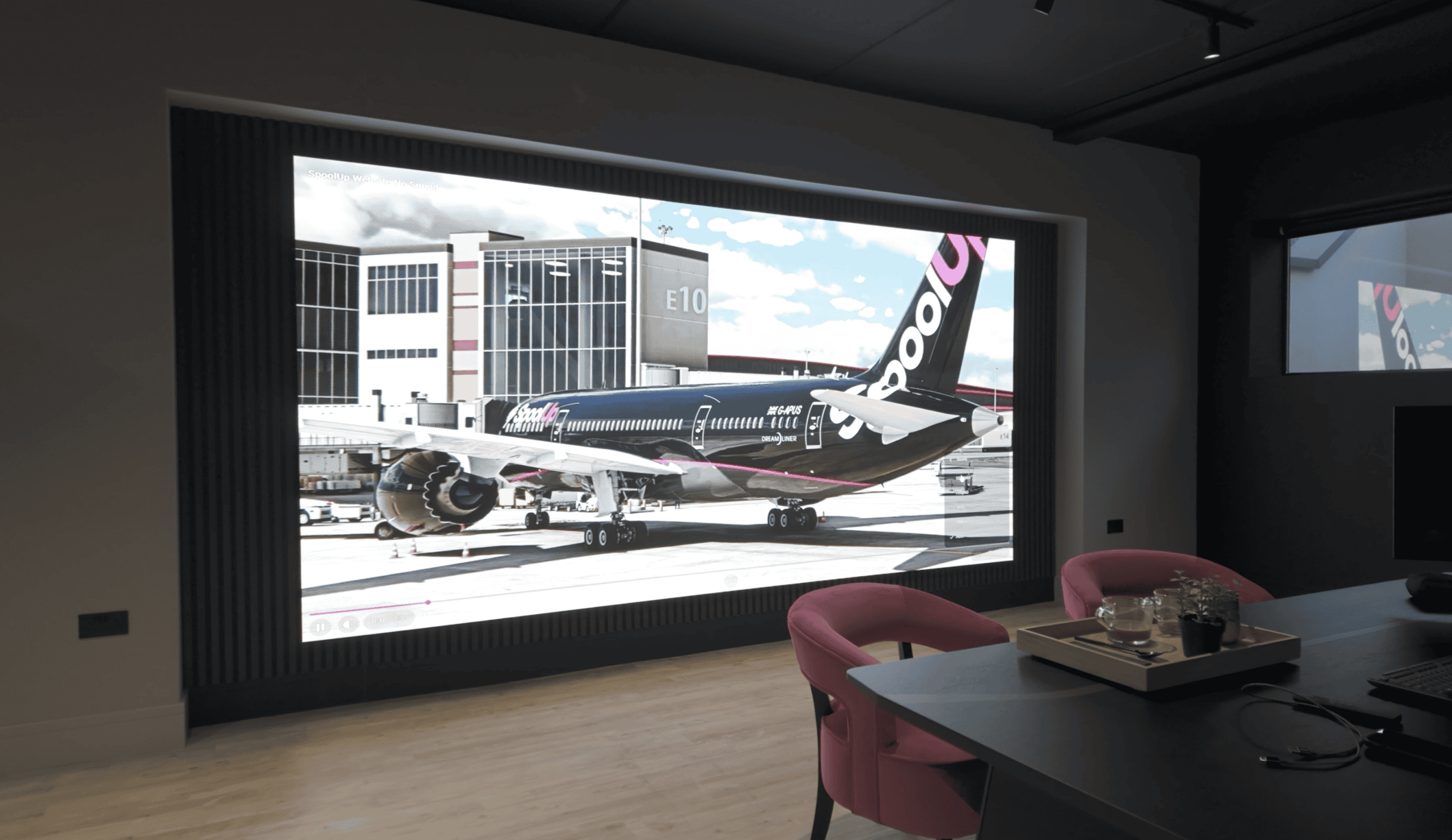
A meeting room LED screen replaces tiled LCD because it delivers one continuous image at any width, holds colour and contrast across wide viewing angles, and supports the ultra-wide layouts that Microsoft Teams Rooms and Zoom Rooms now assume. Tiled LCD shows bezels between panels, and the room camera transmits those seams to every remote participant.
The specifier’s question is usually not “should we have a big screen?” but “why can’t we just fit two 98-inch LCDs?” A single large-format LCD tops out at a fixed size. Once the room needs an image wider than that, a gallery view of twenty remote participants alongside shared content for example, you are tiling panels, and tiled LCD means bezels. In a conferencing context those seams cut through faces and spreadsheet columns. Direct-view LED is modular by design: cabinets butt together with no bezel, so a 3-metre, 5-metre or 7-metre image reads as one continuous surface both in the room and on camera.
There is also the layout question. Conferencing platforms increasingly assume a wide canvas: front-of-room layouts that place participant video, shared content and a whiteboard side by side, designed for screens wider than 16:9 panels comfortably allow. Because LED walls are built from a module grid, you choose the aspect ratio rather than inherit it. A 21:9-proportioned wall for a Teams Front Row layout is simply a different cabinet count, not a different product.
The third driver is viewing angle. Conference rooms are wide and shallow, and people at the ends of a boardroom table view the screen at a steep angle where many LCDs shift in colour and contrast. LED holds its image across a wide viewing cone, so the seat at the end of the table sees the same picture as the seat in the middle.
If you want to judge real-world image quality before committing to a specification, our completed project gallery includes corporate installations alongside our retail and broadcast work. You can also model cabinet counts and sizes for your own room with our LED screen configurator.
How to choose the pixel pitch for a meeting room LED screen
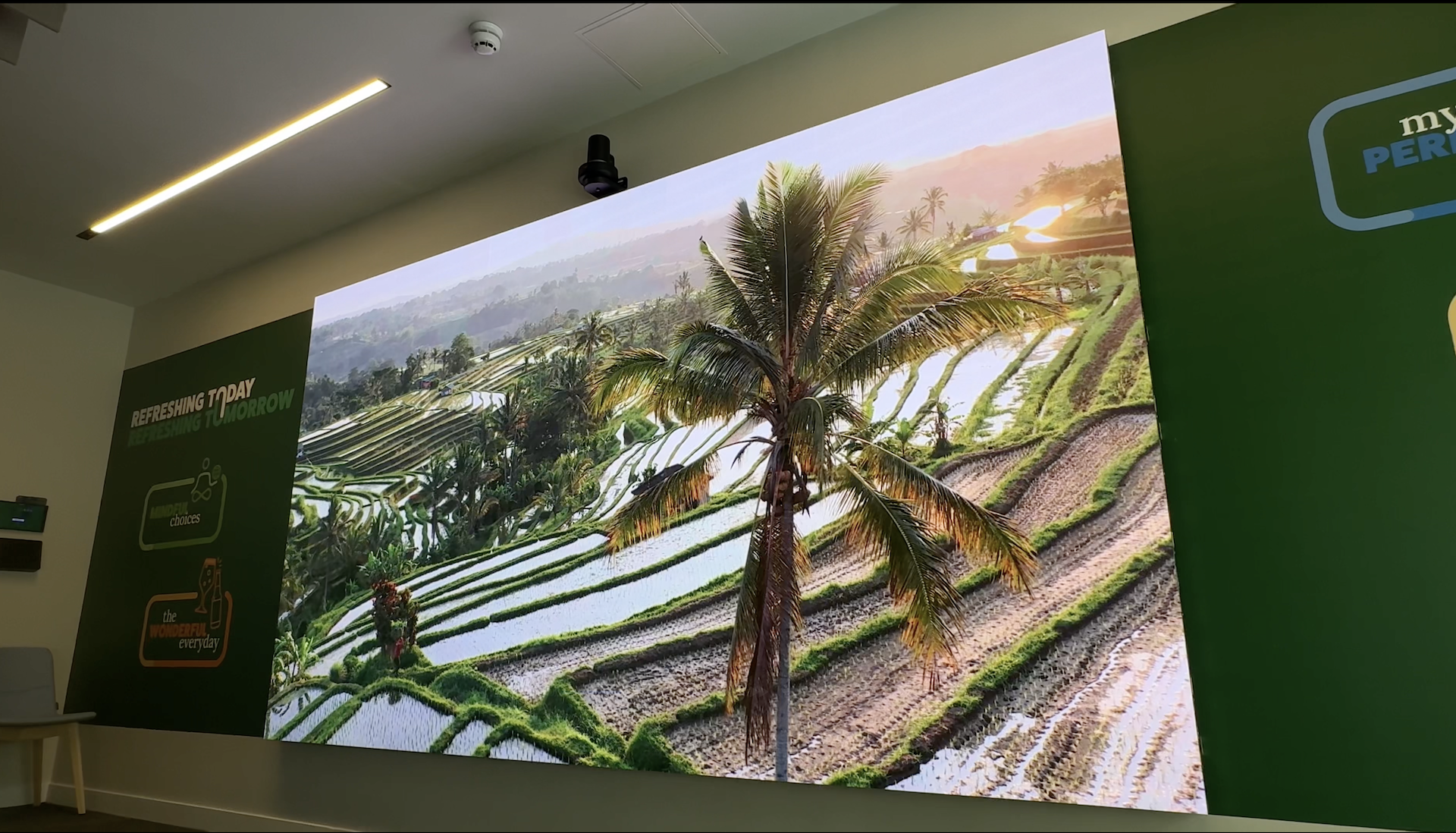
Match the pitch to the nearest seat and the content. The working rule of thumb: the pitch in millimetres roughly equals the minimum comfortable viewing distance in metres, so a 1.5mm screen looks fully resolved from about 1.5 metres and a 2.5mm screen wants around 2.5 metres. Pixel pitch, the distance between LED centres, is the single biggest determinant of both image quality and price, so it deserves the most scrutiny.
For a formal method, AVIXA’s display image size standard (DISCAS) gives a defensible calculation based on viewing distance and content type. AVIXA publishes it as the industry benchmark for display sizing, and it is worth running for any room where seats sit close to the screen. Measure to the closest active seat, not just the main table: in a boardroom, someone will end up sitting less than two metres from the wall during an informal session.
In practice, three bands cover most conferencing suites:
- 1.2mm–1.5mm for boardrooms and executive suites where the nearest chair is within 2 metres of the wall. Our 1.5mm direct-view display is the premium end of the fixed-install range: text-heavy content such as spreadsheets, contracts and code stays sharp at close range.
- 2mm for mid-sized meeting rooms and town-hall spaces where seating starts 2.5–3 metres back. The 2mm (P2) indoor LED display balances resolved detail against cost for these rooms.
- 2.5mm for larger presentation rooms and auditorium-style spaces, where the extra pitch is invisible from the seats and the saving funds a bigger canvas. Our 2.5mm direct-view display covers this band.
Content should inform the choice as much as distance. A room used mainly for remote faces and presentation slides tolerates a coarser pitch than one where the screen carries fine spreadsheet grids and CAD drawings for most of the week. Our pixel pitch guide works through the trade-off in more depth.
One discipline we hold to internally: native resolution is always derived from the module grid, modules across multiplied by pixels per module, never estimated from screen dimensions. A wall whose grid falls short of 3,840 pixels across can still display a UHD source, but the processor scales that source to the wall’s native pixel map, and scaling is where fine text softens. When you review a quotation, the stated resolution should reconcile exactly with the cabinet layout; if it doesn’t, ask why. Then match the canvas to the conferencing platform’s supported output resolutions so content maps pixel-for-pixel.
Latency, cameras and processing
A meeting room LED screen must be specified for low latency, tested with the actual room camera, and commissioned at a calibrated brightness well below panel maximum. A conferencing room is a live two-way system, which makes it unusual among corporate LED installs: delay accumulates through camera, codec, network and decode, and the screen’s processing chain is the one link the fit-out fully controls.
Symptoms of a slow chain are familiar to anyone who has sat through a bad hybrid meeting: lip-sync drift between room audio and the on-screen remote participant, and a subtle lag that makes conversation feel stilted. The fix is specified at the processing layer. We cover the mechanics on our ultra-low latency page, but the short version is that the receiving-card architecture and scaler settings determine how many frames the wall holds before display, and a conferencing specification should minimise them. Avoid unnecessary conversion stages too: if a signal passes through a room switcher, scaler, codec and LED processor, each device can alter timing, and duplicated scaling should be designed out.
Processor choice matters here. Novastar control systems cover the majority of corporate installations well and integrate cleanly with standard conferencing signal chains. Where the room doubles as a broadcast or production space, increasingly common in corporate communications suites that stream all-hands meetings, Brompton Technology processing is the step up, bringing the calibration and low-latency pedigree of its broadcast heritage.
The camera deserves the same attention. An LED wall can look stable to the eye but produce banding, brightness pulsing or moiré on camera, because the camera’s shutter, frame rate and sensor readout interact with the LED driving and refresh behaviour. A quoted refresh figure alone does not predict this, so we test with the actual or proposed conferencing camera during commissioning: banding at the camera’s intended shutter settings, moiré at wide and close framings, skin-tone rendering under the specified room lighting, and low-grey performance on dark software interfaces.
Brightness ties both threads together. The panels can go far brighter than a meeting room ever needs; a wall run at full output is unpleasant to sit in front of and forces the room camera to underexpose faces. Commissioning sets a calibrated brightness ceiling matched to the room’s ambient light and camera exposure, which also extends the diodes’ service life, and colour calibration should happen at that operating level because adjustments made at maximum output do not represent daily use.
A meeting room screen is part of our wider LED video walls range, which covers the parent category including multi-purpose walls that serve conferencing, presentation and event duty. We are happy to review a pitch, cabinet and processing specification against your room drawings before anything is fixed: contact us or call +44 (0)203 489 9878.
Integration and installation realities
A meeting room LED screen is built from fixed-install product, wall-mounted with a slim profile, serviced from the front, and commissioned with the room camera live. The screen is one element of a working conferencing suite, and the build decisions around it are what make the room usable.
Product type. This is a permanent fixed installation, so it is built from fixed-install fine-pitch panels: the 1.5mm display where the brief is a premium executive or client-facing suite, the 2mm and 2.5mm options where a corporate conference room needs strong image quality at a tighter budget. Rental-grade panels, designed for repeated assembly and transport, carry weight, depth and connector systems a boardroom does not need and should not pay for.
Depth and mounting. Modern fine-pitch cabinets wall-mount with a slim overall profile and are front-serviceable, meaning individual modules are removed from the face of the wall for maintenance. No rear access corridor, no false wall eating a metre of the room. Resolve the exact module geometry before the surrounding joinery, wall finish or acoustic treatment is manufactured, and keep vulnerable screen edges away from chairs and passing traffic.
Camera geometry. Screen height affects camera placement. A camera mounted too high creates an elevated viewpoint; one positioned below a tall display shoots upward. In rooms where eye contact matters, balance screen scale against where the camera can physically sit relative to the remote participants shown on screen.
Heat. LED walls are quieter than projector-based rooms, but power supplies produce heat, and a sealed executive suite needs that accounted for in the mechanical plan using project-specific consumption figures rather than a generic wattage assumption.
Commissioning. Test patterns are necessary but they do not show how the room performs during a working call. We commission with the room camera live and real meeting content: a full-screen remote participant, a gallery view of small video windows, a spreadsheet with fine grid lines, a dark software interface, and camera views containing both people and the wall. Handover includes the control settings documented, so the facilities team can operate the room and identify whether a fault sits with the source, codec, processor or display without a specialist.
From the field
The complaint I hear most often from clients replacing tiled LCD is always the same one: the seams. Directors stop putting spreadsheets on the wall because a bezel runs through the numbers, and remote participants can see the joins on every call. When we size a fine-pitch LED wall to the actual seating positions rather than the biggest panel that fits, the pattern afterwards is just as consistent: people start booking that room specifically, and hybrid attendees stop asking for the deck to be emailed so they can actually read it.
My advice to anyone specifying one of these rooms is to measure the nearest seat and ask what will be on the screen for most of the week before you look at a single datasheet. If the answer is detailed spreadsheets and document review, my pitch recommendation may be finer than the viewing distance alone suggests. And I always want to see the proposed camera before final commissioning. A wall that looks clean to me in the room can behave differently through a sensor, so I test the real signal chain and check the remote return feed rather than judging from the table.
Meeting room LED screen: frequently asked questions
What pixel pitch do I need for a meeting room LED screen?
Match the pitch to the nearest seat and the content. The rule of thumb is pitch in millimetres equals minimum viewing distance in metres: chairs within 2 metres point to 1.2mm–1.5mm, while rooms where seating starts 2.5–3 metres back are well served at 2mm. Fine spreadsheet text may justify a tighter pitch than the distance alone suggests.
Is direct-view LED better than an LCD video wall for video conferencing?
For a continuous image, yes. Tiled LCD always shows bezels between panels, which cut through shared content and are visible to remote participants through the room camera. Direct-view LED cabinets join with no visible seam at any size. LCD retains an advantage in very small rooms where a single panel suffices, but once the image is wider than one panel, LED is the stronger conferencing choice.
Does a meeting room LED wall give native 4K resolution?
Only if the module grid multiplies out to approximately 3,840 by 2,160 pixels, which at fine pitches means a wall several metres wide. Smaller walls can still accept a UHD source, but the processor scales it to the wall’s native pixel map. Check the quoted resolution reconciles with the cabinet layout, and match the canvas to your platform’s supported outputs.
Do LED screens work with Microsoft Teams Rooms and Zoom Rooms?
Yes. The LED wall presents to the room’s codec or compute unit as a display, so it works with any conferencing platform. The specification work is matching the wall’s pixel canvas to the platform’s supported output resolution so content maps without scaling, and commissioning the processing chain for low latency so audio and video stay in sync during calls.
Will an LED screen flicker on the video conferencing camera?
It can if the camera settings and LED driving behaviour are poorly matched, visible as horizontal bands, brightness pulsing or moiré. A quoted refresh-rate figure alone is not enough to predict this. Commissioning should test the intended camera at its real frame rate and shutter settings, at the wall’s actual operating brightness, before the room goes into service.
How bright should an LED screen be in a conference room?
Far below panel maximum. Meeting and conference rooms are controlled-light environments, and a wall run at full output is uncomfortable to sit in front of and overexposes the room camera. Commissioning sets a calibrated brightness ceiling matched to ambient light and camera exposure, which also extends the working life of the LEDs.
Can a meeting room LED screen be serviced without taking the wall apart?
Yes. Fixed-install fine-pitch cabinets are front-serviceable: individual modules release from the face of the wall, so a fault is addressed by swapping one module rather than dismantling cabinets or accessing the rear. This is why modern conferencing walls need no rear service corridor, though the surrounding joinery must still leave clearance and not trap removable parts behind decorative finishes.
Specifying your meeting room LED screen
The pattern across every successful conferencing suite we have built is the same: the specification starts with the seats, the content and the platform, not the product. Measure the nearest and farthest viewing positions, decide what the screen will carry for most of the week, and let those facts set the specification. If you are scoping a video conferencing suite and want a meeting room LED screen specification grounded in your real room dimensions, contact us or call +44 (0)203 489 9878 and we will survey the room and put real numbers against it.