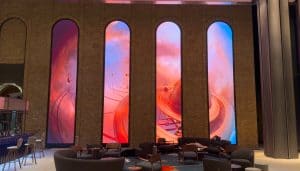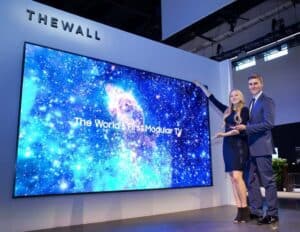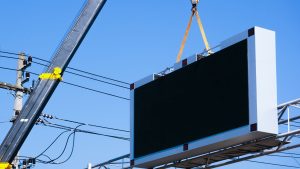
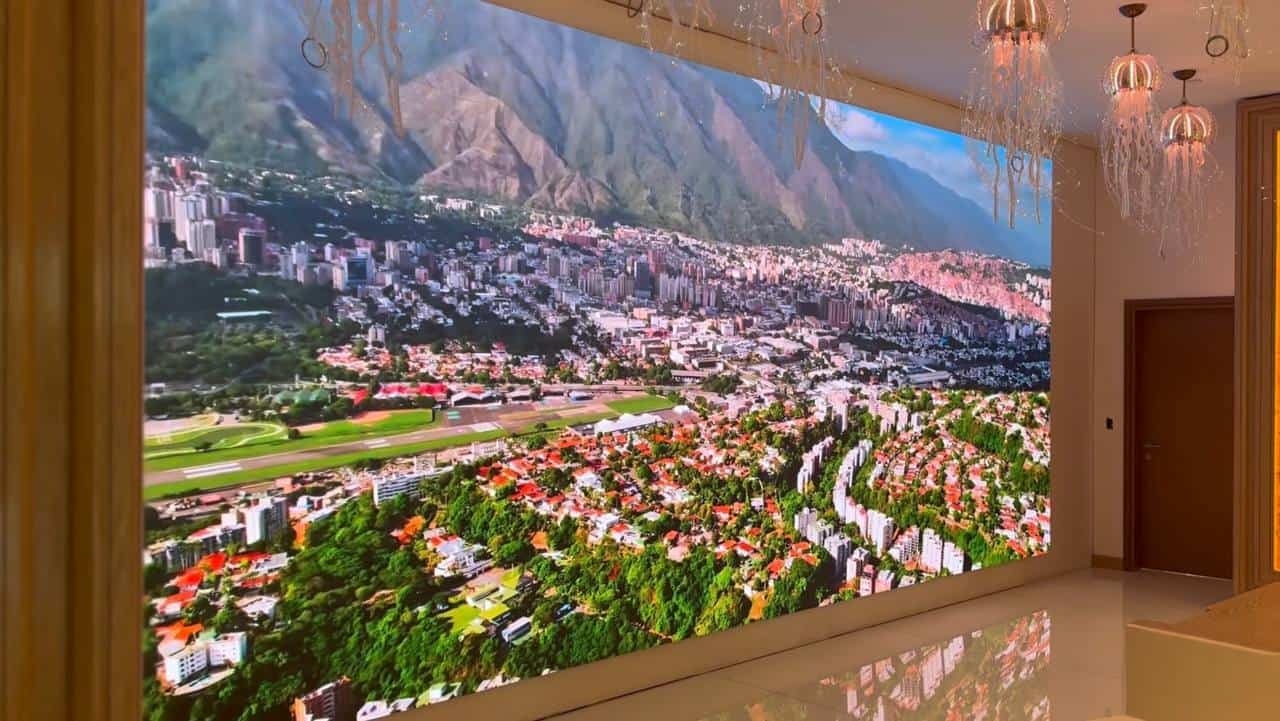
LED cabinet sizing is the decision that turns an LED video wall from a sketch into a buildable product. Every LED video wall is a grid of fixed-size cabinets, sometimes quoted as LED panel sizes, so the cabinet format sets the wall dimensions, the aspect ratio and, together with pixel pitch, the native resolution your content team has to work to. Get it right and the screen fills the space, plays standard video cleanly and services easily. Get it wrong and you discover on install day that the wall needs half a cabinet that does not exist. This guide covers the divisibility rule, aspect-ratio maths, module-derived resolution, the 496mm exhibition-frame convention and when mixing pixel pitches earns its keep.
Key Takeaways
- Total screen width and height must be whole-number multiples of the cabinet dimensions. Partial cabinets do not exist, so a wall that does not divide cleanly means a resized screen or a trim detail agreed early.
- Nominal pitch is a label, not the spec. A cabinet sold as P1.5 is typically 1.5625mm true pitch carrying 320 x 320 pixels across 500mm. Always take resolution from the module pixel count, never by dividing dimensions by the nominal pitch.
- Fixed-install cabinets follow the 500mm convention; exhibition and rental cabinets follow the 496mm convention because they drop into beMatrix and Aluvision modular frame systems. The two families do not interchange.
- 16:9-native families such as 600 x 337.5mm and 640 x 360mm build native 16:9 screens whenever the grid has the same number of columns as rows: a 10 x 10 grid of 600 x 337.5mm cabinets is a 6.0m x 3.375m broadcast-ratio wall.
- Mixing pixel pitches works across separate content zones, where it becomes a real cost saving. Inside one continuous image it creates more problems than it solves.
- Cabinet format, pitch, viewing distance and content workflow are one decision. Fix them together, before steelwork, power and content templates are committed.
At-a-Glance: LED Cabinet Sizing Reference
| Decision area | Typical options | What it drives |
|---|---|---|
| Indoor fixed formats | 500 x 500mm, 500 x 1000mm, 600 x 337.5mm, 640 x 360mm | Aspect ratio, granularity, joint count, install speed |
| Exhibition and rental formats | 496 x 496mm (DRE, DRA, DEX), 992 x 496mm (DET transparent) | beMatrix and Aluvision frame integration, touring build speed |
| Outdoor formats | 960 x 960mm and larger | Steelwork, wind loading, sealing, service access |
| Indoor pitch bands | P0.9 to P1.9 (close viewing), P2.0 to P3.9 (mid-distance) | Pixel density, viewing comfort, cost per m² |
| Native 16:9 grids | Equal rows and columns of 600 x 337.5mm or 640 x 360mm | Full-frame video with no cropping or letterboxing |
| Service access | Front (magnetic modules) or rear (walkway or void) | Wall build-out, maintenance cost, downtime per fix |
How to Plan Your LED Cabinet Size from the Finished Screen
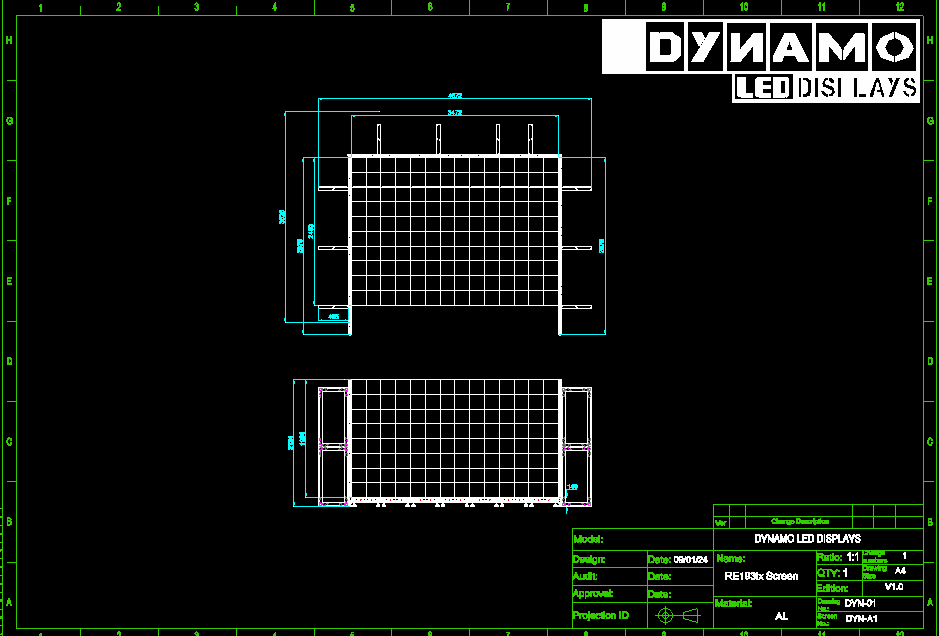
Start from the finished screen, not the cabinet catalogue. The wall opening, the viewing distance and the content format decide which cabinet family works; the catalogue only tells you what is available.
The first check is divisibility. Screen width divided by cabinet width, and screen height divided by cabinet height, must both come out as whole numbers. Suppose the architect has allowed a 5.8m wide by 3.2m high recess. In 500 x 500mm cabinets that is 11.6 columns by 6.4 rows, and neither number is whole. Your options, in rough order of preference: coordinate the aperture to the cabinet grid while the wall is still on the drawing board, build 5.5m x 3.0m (11 x 6 cabinets) and agree the trim detail, change cabinet family until the sums come out clean, or move to a custom LED display format where the module geometry supports it. Having that conversation at design stage costs nothing. Having it after the steel is fabricated costs real money.
The second check is content. Most corporate and presentation material is produced at 16:9, because broadcast standards from bodies such as SMPTE sit behind the formats laptops and playback systems output by default. A wall that physically lands on 16:9 lets full-frame video fill the screen with no scaling decisions. That does not make 16:9 compulsory. Retail ribbons, atrium wraps and architectural features often suit portrait, ultrawide or stepped formats. The point is that the ratio must be a deliberate choice, agreed with whoever produces the content, not an accident of whichever cabinet was quoted first.
The third check is the venue type itself, because it decides which cabinet convention you are even shopping in. Permanent installs draw from the 500mm-convention families below. Exhibition stands and touring work draw from the 496mm families, for reasons covered in their own section.
Cabinet Size and Aspect Ratio: Where the Compromises Appear

The physical aspect ratio is simple arithmetic: cabinet width times column count against cabinet height times row count. The compromises appear when that ratio and the content ratio disagree.
Take 500 x 500mm cabinets, the most common indoor fixed format. A grid 12 wide by 7 high builds 6.0m x 3.5m, a ratio of roughly 1.71:1. Standard 16:9 video on that wall either letterboxes or crops. Drop to 12 by 6 and you get 6.0m x 3.0m, exactly 2:1, which suits a banner screen but still not broadcast video. Square cabinets can approximate 16:9; they cannot hit it.
The 16:9-native families exist to solve this. A 600 x 337.5mm cabinet is itself 16:9, the same geometry our fine-pitch COB ranges build on with their 300 x 337.5mm modules, so any grid with equal columns and rows stays 16:9: ten by ten builds 6.0m x 3.375m. The 640 x 360mm family works the same way, with ten by ten giving 6.4m x 3.6m. For indoor LED video walls where full-frame video is the day-to-day content, these families remove the scaling compromise at the hardware level.
Two further format decisions matter indoors. Cabinet depth sets how proud of the wall the screen sits, how much clearance exists for cabling and airflow, and whether front or rear service is realistic; a rear service corridor costs floor area that has a commercial value of its own. And for wide, shallow shapes such as reception headers and retail tickers, 500 x 1000mm cabinets mounted landscape halve the horizontal joint count compared with 500 x 500mm units. Fewer joints means fewer alignment points, and on fine pitch a joint that sits proud by a fraction of a millimetre catches light and shows in content.
Outdoor LED screens push the other way. Larger cabinets, typically 960 x 960mm and up, reduce joint count on big facades, and the heavier frames carry the sealing and wind-load duty an indoor cabinet never sees. Most outdoor formats are front-service by design: modules and power supplies come out from the viewing side, because scaffolding behind a facade-mounted screen is rarely an option. Each cabinet is also a larger concentrated load, so lifting routes and support steel need settling before fabrication, not after.
Compare LED cabinet options across fixed, rental, outdoor and flexible curtain lines with pitch and sizing guidance for each range.
Why Are Rental LED Cabinets 496mm? Sizing for beMatrix and Aluvision Frames
Exhibition and rental LED cabinets in our range measure 496 x 496mm because 496 is an exact multiple of 62mm (8 x 62), the profile dimension the beMatrix b62 frame system takes its name from, which is why the tiles integrate directly into beMatrix LED skin walls and Aluvision LED screens with no bolt-on brackets and no secondary steelwork. Our rental and exhibition lines, DRE, the economic DRA and DEX, all build on this grid from 248 x 248mm modules, and the DET transparent cabinet doubles the width at 992 x 496mm.
Depth matters as much as the face dimension. The DRE cabinet measures 55/62mm deep, which is why the same tile sits flush in Aluvision’s 55mm profile system and within beMatrix’s 62mm b62 frame face rather than proud of the stand wall. The frame itself provides the mounting structure, the same tiles integrate with Aluvision’s modular grid system so contractors working across both platforms carry one LED inventory, and front and rear service access means an individual panel can be swapped mid-show without dismantling the surrounding structure.
The canvas maths works exactly as it does for any other cabinet, just in 496mm steps. A stand wall four cabinets wide by two high measures 1,984 x 992mm. At DRE P1.93, each 248 x 248mm module carries 128 x 128 pixels, so each cabinet carries 256 x 256 and the wall’s native canvas is 1,024 x 512 pixels. The true pitch confirms itself from the module count: 496mm across 256 pixels is 1.9375mm, which is where the P1.93 label comes from.
The 500-class and 496-class families do not interchange. Ten 500mm cabinets build 5,000mm; ten 496mm cabinets build 4,960mm, and the 4mm-per-cabinet difference compounds across a wall, so a screen designed around one convention will not resize cleanly into the other. Decide the venue question first. A permanent lobby wall is a 500-convention job specified from our DFC or DX fixed-install ranges; a stand build belongs on the 496-convention rental lines, DRE first, DRA where budget leads, DEX where the project calls for it. For stand builds on the 496 grid, start from our LED screen hire range.
LED Pitch Mix Strategy: When Different Pitches Make Sense
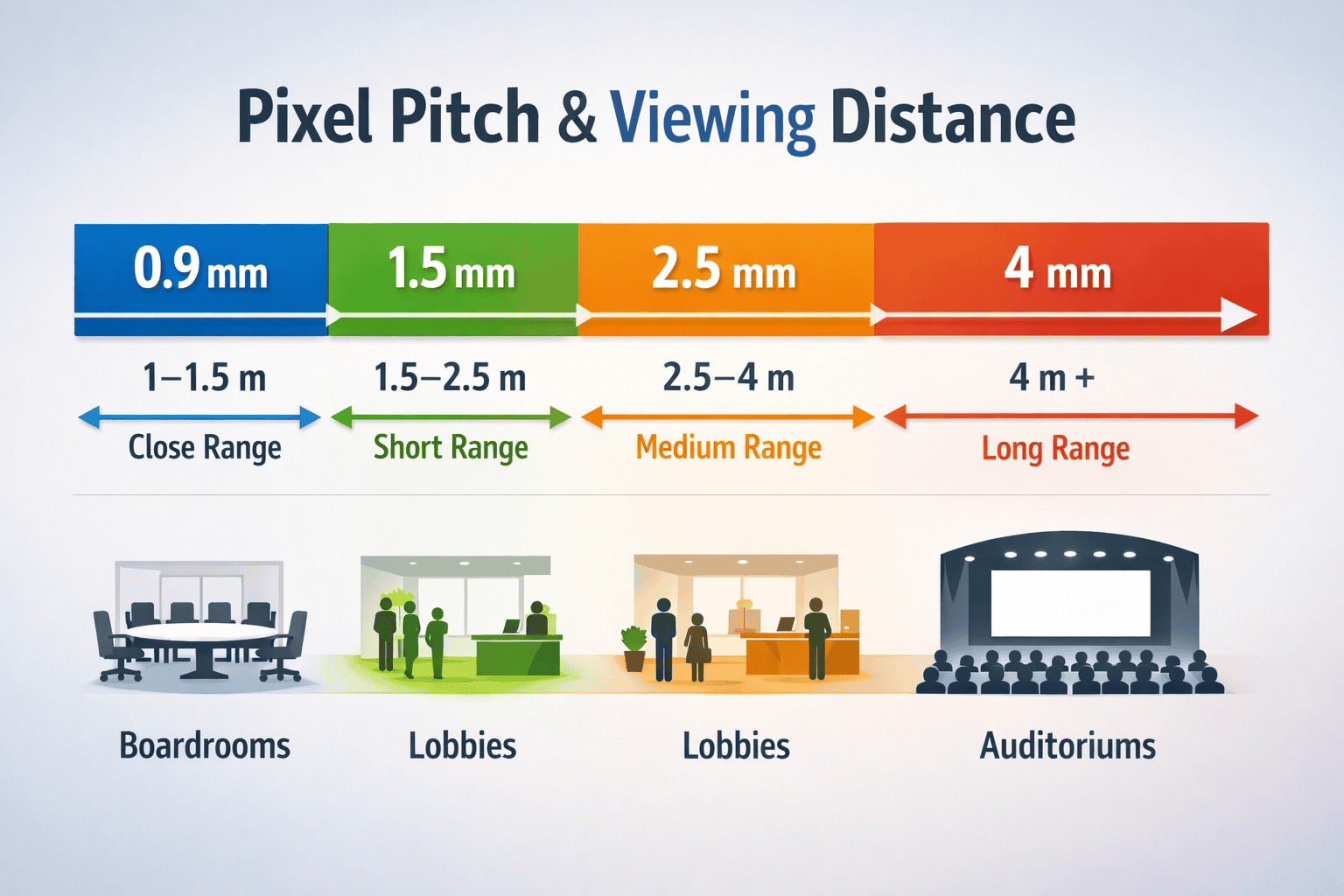
Not every square metre of a large LED video wall earns the same pixel density. A pitch mix strategy puts fine pitch where people stand close and coarser pitch where they cannot, and the saving is bigger than most specifiers expect. Pixel count per square metre scales with the inverse square of pitch: moving a zone from P1.5 to P2.5 cuts its pixel count by roughly 64%, and much of the driver electronics and processing load with it. On a large lobby build that is a genuine budget lever.
A corporate lobby shows the pattern. The hero zone at eye level, say 3.0m x 2.0m, runs P1.5 LED display cabinets because visitors stand two or three metres away. The ticker band above head height runs P2.5 comfortably, because nobody gets close enough to resolve the coarser pixels. Same wall, two specs, smaller invoice.
The risk appears when different pitches share one continuous image. A graphic 500 pixels wide occupies a different physical width on each pitch, so diagonal lines, small text and moving gradients change character as they cross the boundary, and no amount of processing hides pixels that are not there. A Brompton or Novastar processor will map mixed-receiver zones into a single output without complaint; whether the result looks deliberate depends entirely on content designed around the join.
Our working rule on fixed installs: one pitch per continuous content area, with zone boundaries falling where the content naturally breaks, and each zone carrying its own content canvas. For choosing the pitch itself, our pixel pitch and viewing-distance guide covers the method in full. The short version: match pitch to the closest distance a viewer will realistically stand, because past the range where the eye resolves individual pixels, extra density is invisible money.
LED Video Wall Resolution: Work from the Module Count
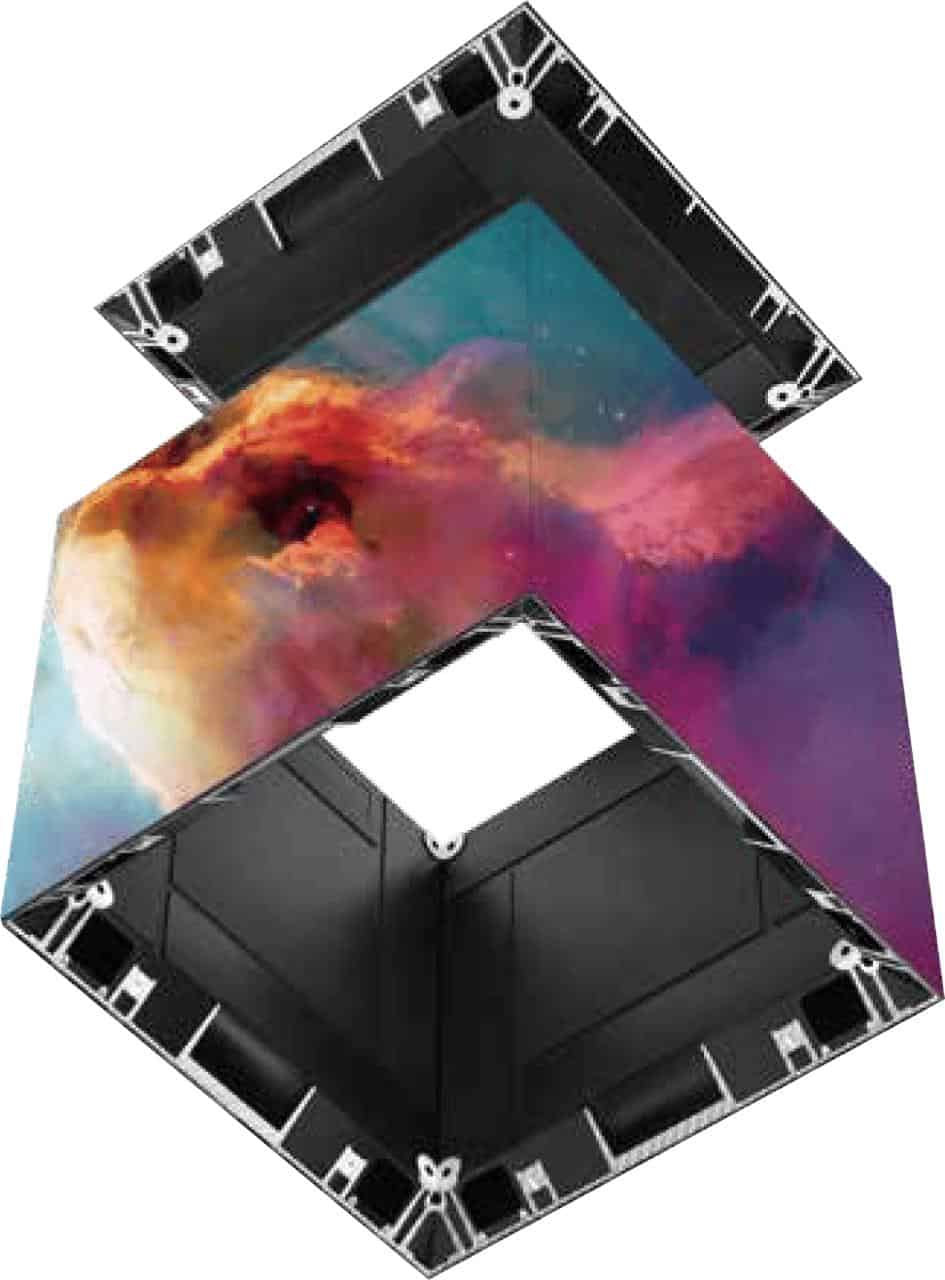
LED video wall resolution is calculated from module pixel counts: pixels per module, multiplied by modules per cabinet, multiplied by cabinets per row and column. Never divide dimensions by nominal pitch. A cabinet sold as P1.5 is typically 1.5625mm true pitch; divide 500mm by the nominal 1.5 and you get 333 pixels, a resolution that does not exist in the hardware.
The correct method never touches the dimensions. Take the pixel count per module from the datasheet, multiply by modules per cabinet, then by cabinets per row and column. A 500 x 500mm cabinet at 320 x 320 pixels, built 8 wide by 4 high, is a 4.0m x 2.0m wall at exactly 2560 x 1280 native. Dividing the dimensions afterwards is a check, not a method: 500mm over 320 pixels confirms the 1.5625mm true pitch. That native figure is what the content team scales to, what the processor maps and what the commissioning engineer verifies.
The same maths settles the “4K wall” conversation. A true UHD canvas is 3840 x 2160 pixels. Some fine-pitch module geometries are engineered to hit it exactly: a 300 x 337.5mm fine-pitch COB module at a true 1.25mm pitch carries 240 x 270 pixels, so sixteen modules across and eight high build a native UHD surface at 4.8m x 2.7m. Outside those engineered cases, a wall accepts UHD input and the processor scales it, which can look entirely appropriate at the right viewing distance. The failure mode is nobody checking whether “4K” on the tender means native pixels or scaled input, and the truth surfacing at commissioning.
The discipline pays off most on non-standard shapes. A 16:9-proportioned wall can still carry a native canvas that matches no broadcast resolution, and a panoramic wall matches nothing off the shelf. Build the pixel map from module counts upward, publish it to the content team alongside the safe areas and any masking, and treat any resolution figure derived from dimensions divided by nominal pitch as wrong until proven otherwise.
From the field
Get the pixel map to the content team before the cabinet layout is signed off, not after.
When I look at a cabinet drawing, I start by laying the grid over the actual architectural opening, because that exposes fractional cabinets, narrow borders and access conflicts before anyone argues about processor capacity. Then I ask for the module pixel count, not the nominal pitch, because rounded pitch labels are where resolution errors creep into content schedules. My rule is simple: the pixel map and the zone resolutions go to the edit suite before the layout is frozen, and I want someone from the content side on a call, not just copied on a PDF. The spec sheet has to reach the people making the pictures, not just the crew hanging the cabinets.
LED Cabinet Sizing: Frequently Asked Questions
What is the most common LED cabinet size for indoor screens?
500 x 500mm is the most widely used indoor fixed format because it handles easily and divides into a wide range of wall sizes. When suppliers quote LED panel sizes, this is usually the family they mean. Fixed installs that live on full-frame video often move to 600 x 337.5mm or 640 x 360mm cabinets, which build native 16:9 screens. Exhibition and rental walls use 496 x 496mm cabinets instead, and outdoor permanent screens use larger formats where structure and sealing dominate the design.
Why are rental LED cabinets 496mm rather than 500mm?
The 496 x 496mm format used by our DRE, DRA and DEX lines is built for modular exhibition frame systems. 496 is an exact multiple of 62 (8 x 62mm), matching the grid logic of beMatrix b62 and Aluvision frames, and the cabinet depth lets tiles sit flush in the frame face. The frame provides the mounting structure, so LED walls drop into stand builds without secondary steelwork, and one tile inventory serves both platforms.
Does aspect ratio affect LED screen resolution?
Aspect ratio sets the shape of the canvas, not its pixel density. Resolution comes from the module pixel count multiplied up through cabinets and grid size. Two walls at the same pitch but different ratios simply have different pixel counts along each axis. The practical impact is on content: assets must be produced to the wall’s actual ratio and native resolution, or accept cropping, letterboxing or scaling.
How do I calculate the number of LED cabinets needed?
Divide target screen width by cabinet width and target height by cabinet height. Both answers must be whole numbers. A 6.0m x 3.0m screen in 500 x 500mm cabinets needs 12 columns by 6 rows, 72 cabinets in total. The same rule applies on the 496mm grid: a beMatrix stand wall steps in 496mm increments. If either division leaves a fraction, adjust the dimensions or agree the trim detail before anything is fabricated.
Can you mix different pixel pitches on one LED video wall?
Yes, across separate zones with separate content. A fine-pitch hero wall with a coarser-pitch ticker above it is a proven layout, and both zones can run from one processor. Brompton and Novastar platforms map multi-zone outputs as standard. What rarely works is one continuous image crossing a pitch boundary, because pixel density changes mid-picture and sharpness visibly shifts unless the content is designed around the join.
Does a smaller pixel pitch always mean a sharper LED video wall?
Only if viewers are close enough to see the difference. Finer pitch means more pixels, more cost, more processing and more heat, and past the distance where the eye resolves individual pixels you are paying for pixels nobody can see. If your audience stands eight metres away, sub-2mm pitch buys nothing visible. Match pitch to measured viewing distance using our pixel pitch guide rather than defaulting to the finest available.
Should fixed installs use rental LED cabinets?
Usually not, and the traffic runs both ways. Rental cabinets are engineered for repeated assembly, transport and frame integration, and you pay for that engineering; fixed-install cabinets prioritise flatness, quiet operation and long-term serviceability. For fixed indoor work we specify our DFC Series (premium fine pitch) or DX Series (mid-range). For exhibition stands and temporary events, LED screen hire with 496mm rental-grade cabinets is the right route.
Conclusion
LED cabinet sizing is a chain of simple decisions that only work when they are made together. The venue decides the convention: 500-class families for fixed installs, 496-class for exhibition and rental walls that live in beMatrix and Aluvision frames. The cabinet family sets what dimensions are buildable, the grid sets the aspect ratio, and the module pixel count, never the nominal pitch, sets the native resolution. Start from the finished screen, check the divisibility both ways, and put the pixel map in front of the content team early.
To sense-check your LED cabinet sizing against a real product route, build your screen specification and compare cabinet options for your wall size and viewing distance, then send the brief through our contact page or call us on +44 (0)203 489 9878.