
Do LED screens get burn-in? No. Direct-view LED screens do not suffer burn-in the way OLED displays do, because their inorganic diodes cannot degrade chemically. What an LED screen can develop is differential ageing: a slower, usually reversible form of image retention. That, not burn-in, is what a specification should manage.
Updated September 2026.
Ask anyone who has lived with an OLED television and they will tell you burn-in is real, so when specifiers come to us planning a video wall that will show the same broadcast graphics, departure board or brand identity for years, the question follows naturally. This guide explains the difference between the two phenomena, how to tell genuine ageing from faults that merely look like it, and how to prevent and correct the real thing.
Key takeaways
- Classic burn-in is permanent chemical degradation of organic emitter material. Direct-view LED uses inorganic diodes, so that failure mode does not apply.
- LED screens can develop differential ageing: pixels with more cumulative drive time dim faster than their neighbours, leaving a faint trace of long-running static content.
- LED packages are conventionally rated at around 100,000 hours to half of original brightness; decay is gradual and predictable, not a sudden event.
- Indoor screens rarely need more than 40 to 60% of rated brightness. Running at full output around the clock is the fastest route to visible non-uniformity.
- Switching off overnight cuts annual operating hours from 8,760 to roughly 5,840 — a third less ageing every year.
- Red, green and blue channels age at slightly different rates, so retention can appear as a colour cast rather than a clear outline.
- Genuine differential ageing is usually correctable through camera-assisted recalibration; look-alike faults in signal, cooling or calibration data are fixed differently.
At a glance: burn-in versus differential ageing
| Question | OLED burn-in | Direct-view LED differential ageing |
|---|---|---|
| Cause | Organic emitter compounds degrade chemically | Inorganic LEDs dim gradually with cumulative drive time |
| Onset | Can appear within months on static content | Develops over thousands of operating hours |
| Appearance | Permanent ghost image | Faint luminance or colour non-uniformity in heavily used areas |
| Reversible? | No | Usually, via camera-assisted recalibration |
| Main prevention | Pixel shifting, content limits | Brightness management, content rotation, scheduled downtime |
| Typical LED half-life | Not applicable | Around 100,000 hours to half brightness |
What screen burn-in actually is, and where the term comes from
The phrase dates back to CRT monitors, where a static image literally burned the phosphor coating and left a permanent shadow. OLED inherited the problem in a new form: the organic compounds in each OLED pixel degrade chemically as they emit light, and blue sub-pixels degrade fastest. Show a static news ticker or channel logo for long enough and those pixels age ahead of their neighbours. The result is a permanent ghost that no amount of recalibration can remove, because the emitter material itself has changed.
That mechanism is specific to organic emitters — but “burn-in” gets used loosely to describe any ghosting artefact, and the lazy usage leads specifiers to rule out static content on LED video walls unnecessarily, or to budget for panel replacement that will never be needed.
Why direct-view LED screens don’t get burn-in
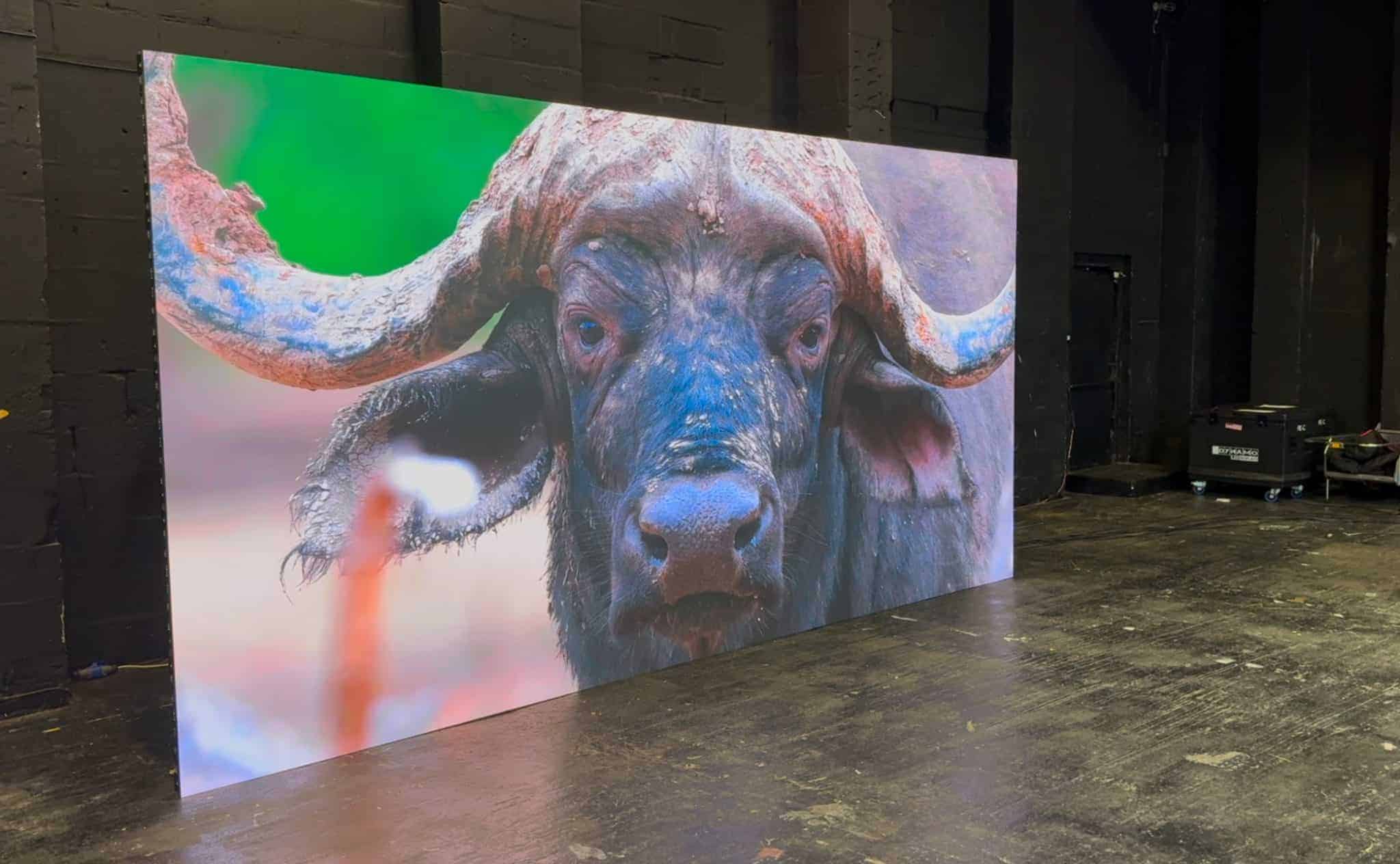
A direct-view LED display builds its image from millions of discrete inorganic diodes: gallium-based semiconductor packages rather than organic films. Inorganic LEDs do not degrade chemically in the way OLED emitters do. What they do instead is dim, very slowly, with cumulative drive time. Industry convention rates LED packages by the time taken to fall to half of original brightness, and the figure manufacturers typically quote is around 100,000 hours. We cover what that number really means in practice in our guide to LED display lifespan, but the headline is that decay is gradual and predictable, and it can be corrected.
Two consequences follow. First, there is no threshold event on an LED screen equivalent to OLED burn-in, no point at which damage becomes suddenly visible and permanent. Second, because every diode dims along a broadly known curve, the electronics driving the display can compensate. Modern LED processing platforms from Brompton Technology and Novastar hold per-pixel calibration data precisely so that output can be corrected as panels age.
The same package-level behaviour applies across pixel pitches, from coarse outdoor billboards to the fine-pitch surfaces covered in our DVLED pixel pitch guide. Pitch changes viewing distance and resolution; it does not change the ageing physics, although close viewing distances can make small uniformity differences easier to notice.
Image retention on LED: differential ageing explained
Differential ageing is the gradual loss of brightness uniformity that occurs when some pixels on an LED screen accumulate more drive time than their neighbours, leaving a faint trace of long-running static content. It is the honest answer to the image retention question. Over years, the difference can become visible on uniform content as a slightly dimmer rectangle where a static logo sat, or as a colour shift where a red-heavy graphic lived, because red, green and blue LEDs decay at slightly different rates. Black areas create the same imbalance in reverse: a black pixel produces little or no light while its neighbours work, so the boundary between a permanent dark region and active graphics can eventually show on a full-screen test field.
The classic cases we see are broadcast and control-room walls showing fixed dashboard layouts around the clock, retail displays with a permanent brand lock-up in one corner, transport screens where table headers never move, and tickers or scoreboards with fixed field positions.
We see that last case on our own projects. At AutoTrader’s Manchester headquarters, the suspended LED halo ticker (17.92 m × 320 mm, P1.86mm flexible tiles) shows rolling platform statistics in fixed field positions on a fine-pitch surface viewed at close range. Nothing about that layout troubles the diodes. It simply means drive level, content scheduling and a calibration routine are agreed at specification stage rather than left to a service call.
Three factors govern how quickly any of this becomes visible: drive brightness, duty cycle, and content contrast. An LED video wall run at 100% brightness, 24 hours a day, with a white-on-black static layout is the worst case on all three counts. The same wall at 50% brightness, sleeping overnight, with content that rotates will typically show no measurable non-uniformity for years. This is one reason we specify fixed-install screens with brightness headroom: a DFC Series premium fine-pitch wall in a corporate lobby, or a DX Series display in a showroom window, should run well below maximum output in normal use, and DVO Series outdoor enclosures follow the same principle with solar gain accounted for. Panel design plays a part too; the low-reflectance packages described in our true black LED technology overview deliver contrast optically rather than by driving diodes harder, which keeps drive levels sensible.
What looks like LED burn-in but isn’t? Three look-alike faults
A pattern visible after static content does not automatically mean the LED packages have aged. Three look-alike faults need ruling out before anyone budgets for correction.
The first is a signal-path fault. A frozen frame, stale processor buffer or incorrect source layer can leave part of an image on screen. Replace the source with processor-generated test patterns: if the mark disappears or moves with the source, it is a content or mapping fault, not the panel.
The second is thermal non-uniformity. LED output and colour shift with temperature, so a screen can look uniform cold and develop patches after an hour, or the reverse. That points to airflow or power distribution, and it is why assessment should happen after a repeatable warm-up at a documented brightness setting.
The third is calibration drift. Correction data that no longer matches the physical modules can create a pattern that looks exactly like ageing, and is fixed by recalibrating rather than replacing anything.
Genuine differential ageing survives all of these checks: it stays fixed to the same physical pixels across different sources, appears on full-screen red, green, blue, white and grey patterns, persists after a power cycle and warm-up, and maps closely to long-running static content. Where the case justifies formal measurement, luminance and chromaticity readings should be compared against the commissioning baseline, following the photometric guidance published by the International Commission on Illumination.
If you are seeing a pattern like this on an existing LED video wall, run the sequence above before you budget for panel replacement. In most cases you will not need it.
How to prevent differential ageing on an LED screen
Five levers control how evenly an LED screen ages: drive brightness, content rotation, scheduled downtime, layout contrast, and a calibration schedule. None of them are exotic, and the earlier they are designed in, the less they cost.
Manage brightness properly
Match output to ambient light rather than running at maximum. Indoor screens rarely need more than 40 to 60% of rated brightness, and full output in a dim room crushes perceived contrast anyway. Outdoor screens should use ambient light sensors, with sensible upper and lower limits so a sensor fault cannot hold the screen at an unsuitable level.
Rotate and vary content
Where a layout must persist, small periodic changes help: alternate background tones, move fixed elements a few pixels on a schedule, or interleave full-motion content between static holds. Be realistic about the limits, though. Pixel shifting protects fine text and logos; it cannot protect a large static sidebar, because most of the same pixels stay active after the shift. Rotating templates and darker interface themes do more for big static regions.
Schedule downtime
A screen that sleeps eight hours a night accrues a third fewer operating hours per year than one left on. A moving screen saver overnight is not a substitute, because the LEDs remain active.
Avoid prolonged extreme-contrast static layouts
Pure white fields at full brightness beside pure black create the steepest ageing gradient. Mid-tone backgrounds behind static elements are kinder to uniformity.
Calibrate, record and inspect on a schedule
Record baseline measurements once the screen has stabilised at commissioning, so future readings are compared with known values rather than memory. Keep module positions, batches and calibration files on record so spares can be matched in. Periodic photometric checks and recalibration belong in the same planned maintenance cycle as power-supply checks and data redundancy tests.
How do you fix image retention on an LED screen?
Camera-assisted calibration measures the actual output of every pixel on the wall, then writes correction coefficients that trim brighter pixels down to match their most-aged neighbours, restoring a uniform image. On OLED, visible non-uniformity would be the end of the story; on direct-view LED it usually is not, because the correction happens in the processing chain rather than the panel. Both Brompton and Novastar ecosystems support this per-pixel workflow, and it can be repeated across the life of the display.
There is a trade-off: correction works by trimming output, so each recalibration spends a little of the screen’s brightness headroom, and it cannot restore output the weakest pixels have physically lost. This is another argument for specifying headroom generously at purchase and controlling ageing operationally rather than relying on correction alone. In severe cases, individual modules can be swapped and calibrated to match the wall, which is a routine service job rather than a display replacement.
From the field
The call I get most often on this subject is from someone convinced their screen is burnt in and already pricing up a replacement. The pattern is nearly always the same: a screen run at full brightness from day one, always on, with a logo or fixed layout parked in the same position, and a faint dark patch on a white background where it lived. Each time, the sequence that resolves it is the one described above — clean test patterns to prove the mark is fixed to the physical pixels, a recalibration, and a brightness schedule brought down to something sensible.
My rule: the specification meeting is where you prevent this, not the service call. Ask how the screen will be driven, not just what it will show. In my experience, most suspected LED burn-in cases turn out to be correctable calibration or drive-level problems, not permanent damage.
LED Screen Burn-In and Image Retention: Frequently Asked Questions
Do LED screens get burn-in like OLED TVs?
No. Burn-in on OLED is permanent chemical degradation of organic emitter material, and direct-view LED contains no organic emitters. LED screens can instead develop differential ageing, where heavily used pixels dim slightly faster than their neighbours over thousands of hours. Unlike OLED burn-in, this develops slowly and can usually be corrected through recalibration rather than hardware replacement.
Can a static logo damage an LED video wall?
Not in the way it damages an OLED panel. A static logo displayed for years at high brightness can cause the pixels behind it to age faster, leaving a faint uniformity difference. The effect is gradual and manageable: sensible brightness levels, scheduled downtime and periodic calibration will normally keep a permanent logo invisible in ageing terms for the life of the display.
What does image retention look like on a direct-view LED screen?
It appears as subtle non-uniformity rather than a sharp ghost: a region that reads slightly dimmer or colour-shifted against a flat background, matching where static content sat. Because colour channels age at different rates, it can show as a cast rather than an outline. It is most visible on full-white or grey test fields and often invisible in normal content.
Is LED image retention permanent?
Usually not. Because the underlying diodes still work and have simply dimmed at different rates, camera-assisted recalibration can rebalance per-pixel output and restore a uniform image. The correction trims overall brightness slightly, which is why displays specified with headroom recover well. Only in extreme neglect does module replacement become the sensible route, and that is a service job, not a rebuild.
Does switching an LED display off overnight help?
Yes. Switching off removes electrical and thermal load and cuts total operating hours: dropping from 24 to 16 hours per day reduces annual use from 8,760 to about 5,840 hours, and the saving compounds over a ten-year installation. A moving screen saver does not provide the same benefit, because the LEDs remain active while it plays.
Can pixel shifting prevent LED burn-in?
It helps with fine lines, text and compact logos by spreading their workload across more diodes, provided the shift is large relative to the feature. It is much less effective for a big static panel or permanent sidebar, because most of the same pixels stay active after the shift. Layout rotation, controlled brightness and scheduled downtime give broader protection.
Is burn-in more likely on fine-pitch LED?
Fine pitch does not inherently create the problem, but close viewing distances make small uniformity differences easier to see, and fine-pitch screens tend to live in control rooms and corporate spaces where interfaces are static. Content duty cycle, brightness, cooling and calibration history are the useful risk indicators, not the pitch figure on its own.
The short answer for specifiers
Direct-view LED does not suffer burn-in in the OLED sense, and fear of it should not push you away from static content, fixed layouts or long-duration branding. The real phenomenon behind LED screen burn-in questions is differential ageing, a slow form of image retention you can prevent and usually reverse with sensible brightness management, content rotation and planned recalibration. Specify brightness headroom, drive the screen for its real duty cycle, and uniformity will outlast most fit-out cycles. For how the decay curve plays out over a full installation life, our LED display lifespan guide covers the numbers in depth, and the rated brightness for each fixed-install range is listed on our LED display products pages.
Get a quote or an ageing assessment for your LED screen. Tell us the content, the operating hours and the space, and we will specify the brightness headroom to suit: contact us or call 020 3489 9878.