
A direct-view LED wall is only ever as good as what’s on it. We’ve commissioned video walls into retail flagships, corporate lobbies and showrooms where the hardware was specified carefully over weeks, yet nobody had planned the digital content for LED walls until the week of handover. The result is predictable: a striking canvas playing a stretched PowerPoint export. This guide sets out a working content strategy — what to play, when to schedule it, and who in your organisation should own it — agreed alongside pixel pitch and processing, not bolted on after installation.
Key takeaways
- Plan content before the wall is installed, not after. The pixel map, viewing distance and dwell time should shape every asset you commission.
- Author at the wall’s native pixel map, which comes from the cabinet count and each cabinet’s module resolution. It is rarely 16:9.
- Match message length to audience dwell time, and daypart the schedule rather than running one loop all day.
- Name one content owner with editorial sign-off. Walls fail commercially when responsibility is split between marketing, IT and facilities with no lead.
- Publish through a CMS with scheduling and remote access, not a media player fed from a USB stick.
- Define fallback and override states before handover, and test them during commissioning with real files.
At a glance: content planning facts
| Planning decision | Working answer |
|---|---|
| When to start content planning | At hardware specification stage, alongside pixel pitch selection |
| Authoring resolution | The wall’s native pixel map (cabinets × module resolution) |
| Loop length | Matched to average dwell time, with priority messages repeated |
| Playback frame rate | 25 or 50fps for UK-originated video; match the source frame rate and confirm it on the installed chain |
| Scheduling method | CMS playlists with dayparting, published remotely |
| Ownership model | One named owner with sign-off; contributors feed in, one technical contact |
| Fallback state | A stored playlist or holding content, agreed and tested — never an input label or error dialogue |
| Refresh cadence | Quarterly review at minimum, with an expiry date on every time-sensitive asset |
What content should you play on an LED wall?
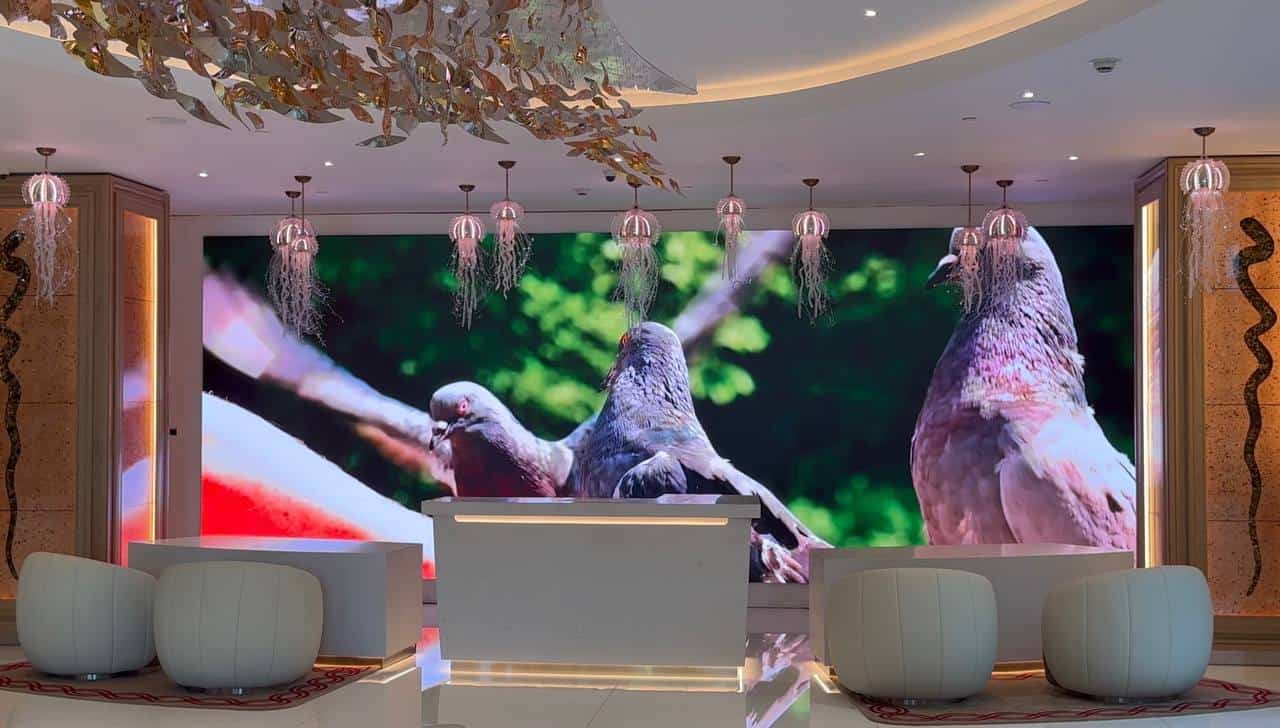
Design digital content for LED walls at the wall’s native pixel map, composed for the real viewing distance the pixel pitch was chosen for. That means full-canvas artwork built to the exact pixel dimensions of the installed wall, with type, contrast and motion scaled to how far away the audience stands, not to a desktop monitor.
The first mistake is treating an LED video wall like a large television. It isn’t one. It’s a modular canvas with its own native resolution, usually non-standard, and generic digital signage templates that assume a 16:9 landscape screen rarely fit it.
Start with that pixel map. The canvas comes from the cabinet count and the resolution of each cabinet: say each cabinet is 256 pixels wide (check the processor configuration for your real figure), then eight across gives a 2,048-pixel-wide canvas, and the height is calculated the same way. Sending a 1920×1080 file to a canvas like that forces one of four outcomes: the image is distorted, cropped, boxed with bars, or placed within a designed full-canvas composition. Only the fourth is a deliberate content decision. On a fine-pitch wall, the sort of 1.5mm direct-view display we install in boardrooms and reception areas, viewers stand close enough to see the difference. It’s the standard we hold our own work to: our corporate project for Auto Trader, created with long-time creative partner Pixel Artworks, is a finalist in the AV Awards 2026 corporate category, and the content there was treated as part of the brief from the start.
Then design for the viewing distance. Fine-pitch lobby walls reward detail: typography, product photography, subtle motion. Larger-pitch walls viewed from across a retail floor need bolder composition with bigger type, higher contrast and fewer elements. Our pixel pitch guide covers how pitch, distance and resolution interact. Keep critical text, prices and logos inside a safe area away from cabinet edges, but don’t let the safe area become an excuse to squeeze everything into a central 16:9 box while the rest of the canvas sits idle.
A few principles that hold across sectors:
- Don’t have content whizzing about constantly. Slow, deliberate motion reads as premium; constant frenetic movement fatigues viewers.
- Dark backgrounds flatter LED. Direct-view LED produces true black by switching pixels off, so dark-ground designs with bright focal elements look far better than full-white layouts, and draw less power.
- Size type generously. Text that reads comfortably on a design monitor can disappear at distance, so proof at real scale before sign-off.
- Mind the compression. Artefacts that hide on a phone become banding and blocking across metres of canvas. Our codecs, formats and bitrates guide sets out sensible encoding settings, and the acceptance test should use real campaign files, not just processor test patterns.
One more consideration for public-facing walls: promotional material shown to the public falls under the UK advertising codes administered by the Advertising Standards Authority, so whoever owns the content also owns compliance. Where colour accuracy matters across a production chain, agree one reference. ITU-R Recommendation BT.709 defines the parameters most HD workflows already use, and the edit, codec, player and processor should all be tested to confirm they preserve it.
How do you schedule LED wall content?
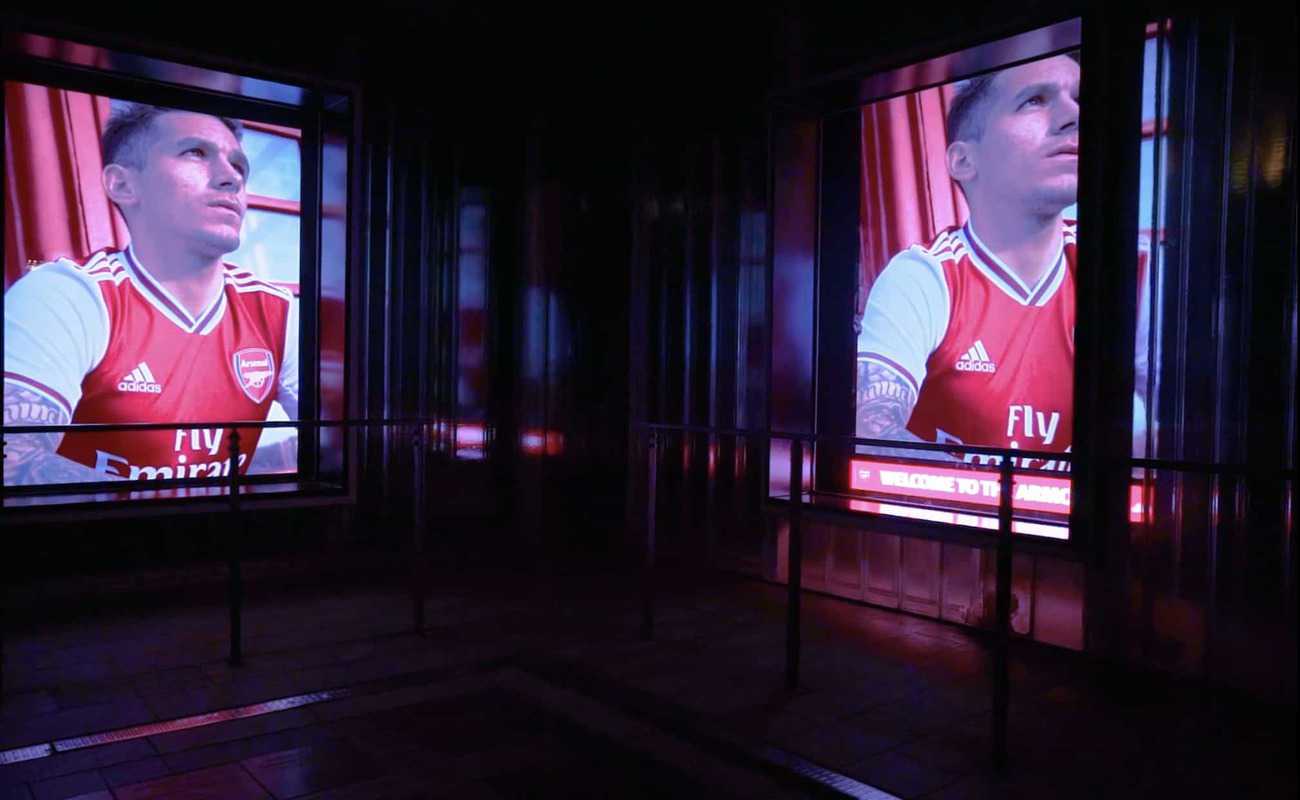
Schedule LED wall content with dayparted CMS playlists: different sequences for morning, daytime and evening audiences, published remotely. Set loop length from average dwell time, so a visitor who waits thirty seconds sees every priority message at least once. Repetition matters more than total loop length.
A single looping showreel is where most walls start, and where too many stay. The wall plays the same sequence at 8am as it does at 6pm, to completely different audiences, and within a month regulars have stopped looking at it.
In a corporate lobby, dayparting might mean a welcome sequence in the morning, company news and project work through the day, and a slower ambient sequence after hours. In retail, it means aligning the loop with footfall: promotional content when the store is busy, brand-building content when it isn’t.
Loop length should follow dwell time. A six-minute playlist is ineffective if a ten-second directional message appears once and the average visitor waits thirty seconds. A lift lobby can carry a longer narrative, but on our retail installs we plan on three to five seconds of any one viewer’s attention beside a walkway, so each message has to land in that window. Most public walls are viewed without sound, so nothing important should live only in the audio.
A practical schedule separates material into four modes:
| Content type | Purpose | Typical control |
|---|---|---|
| Scheduled | Campaigns, branding, routine information | Timed playlist |
| Dynamic | Prices, availability, event information | CMS or data feed |
| Live | Cameras, presentations, broadcast sources | Processor or control-room input |
| Override | Safety, closure or urgent operational messaging | Restricted manual trigger |
Cloud-based control makes all of this practical. With a platform such as Novastar’s VNNOX, covered on our Novastar VNNOX cloud CMS page, playlists are built centrally, scheduled in advance and pushed to the wall remotely. VNNOX needs only outbound internet access from the player, which most corporate IT teams can approve without opening inbound firewall ports. Novastar publishes full technical documentation for the platform.
Two scheduling rules we hold clients to. First, put a review or expiry date on everything: an event promotion still playing a fortnight after the event tells every viewer the wall isn’t being looked after. Second, build a fallback playlist of evergreen content so a failed feed degrades to something presentable.
If you’re matching a content plan to a proposed specification, send us your draft. Our content management service covers templates, calendars and remote publishing, and we’re happy to review a strategy before you commit to it.
Who should own LED wall content?
One named owner with editorial sign-off, supported by contributors, a publisher and a technical contact. Hardware has an obvious owner; content usually doesn’t, and that gap is the single biggest reason installed walls underperform. Marketing assumes IT is handling it, IT assumes facilities is, and the wall plays whatever was loaded at handover.
A workable model separates the responsibilities:
- A content owner who decides what runs — a named person with editorial control and the authority to say no, usually in marketing or internal communications.
- Contributors who supply material: sales, HR, events, agencies. They feed the owner; they don’t publish directly.
- A publisher who loads and schedules approved material. In small organisations this is the owner wearing a second hat, but write it down anyway.
- A technical contact who looks after the player, connectivity and processor. They keep the wall running; they don’t choose what plays.
- An emergency owner authorised to trigger an override, with a short documented route that doesn’t wait on the normal campaign process.
Write down the workflow: how contributors submit assets, the technical spec (native resolution, format, bitrate, duration), who approves, and how far ahead the calendar runs. One page is enough. Give assets a campaign identifier and version number, because final_v7_new.mp4 provides no useful control when you need to roll back.
Content also needs a recurring budget line, the same way maintenance does. It doesn’t need to be large. A set of well-built motion templates that staff can update with new copy goes a long way, but a wall with a hardware budget and no content budget will be playing the launch-day loop a year later.
And if nobody inside the business can take this on, our managed content service exists to be that named owner: we build the templates, run the calendar and publish on your behalf.
Plan the failure states
Every permanent installation needs an agreed answer to one question: what does the audience see when the normal source disappears? The answer may be a stored holding image, a fallback playlist or a controlled blank output. It should never be an input label, a desktop background or a media-player error.
During commissioning, test at least: loss of the primary source, loss of the CMS connection, player restart after a power cut, an expired or empty playlist, a manual override, and the return from override to the normal schedule. Cloud-managed players should continue on a defined local schedule when the internet drops, where the hardware supports it. And review fallback content like normal content: an old logo or expired offer is still wrong even if it only appears during a fault.
From the field
The pattern I see most often, usually in a corporate head office or a car showroom, is a business that has spent serious money on a fine-pitch lobby wall and, when I visit six months later, it’s still playing the launch-day showreel. Nobody was ever made responsible for it. My first question in content conversations now isn’t about resolution or scheduling software; it’s “who in your business owns this screen?” If the answer is a job title rather than a person’s name, that’s the thing to fix first. My second question is who can replace the content at 8pm when the usual marketing contact is unavailable, because if nobody owns that decision the system is only partly specified.
The other thing I push clients on is templates. The walls that stay fresh are almost never the ones with the biggest production budgets; they’re the ones where we built a handful of motion templates in the brand style so someone in marketing can drop in new copy and a photo in ten minutes. Make updating easy and it happens. Make it a production project and it doesn’t.
Digital Content for LED Walls: Frequently Asked Questions
What resolution should digital content for LED walls be created at?
Author at the wall’s native pixel map, which is the cabinet count multiplied by each cabinet’s module resolution. It’s rarely a broadcast standard like 1920×1080, so ask your installer or check the processor configuration for the exact figure. Rendering at native resolution avoids the scaling softness and motion artefacts that show clearly on a large canvas.
Which video formats work best for LED wall playback?
Most LED playback systems handle H.264 and H.265 comfortably, alongside common image formats for static content. What matters more than the container is the delivery specification: named codec, frame rate, pixel dimensions and bitrate range, with minimal recompression between edit and wall. Always test representative files on the installed player, not just an editing workstation.
How long should an LED wall content loop be?
There is no universal loop length. Base it on dwell time and the repetition your priority messages need. If viewers typically remain for thirty seconds, essential information shouldn’t appear once in a five-minute loop. Reception and waiting areas support longer sequences than entrances and walkways, and each section should make sense to someone joining halfway through.
Who should be responsible for LED wall content in an organisation?
One named owner with editorial control, usually in marketing or internal communications, supported by contributors who supply material and a technical contact who maintains the player and connectivity. Emergency overrides need their own short, documented approval route. Splitting ownership across departments without a lead is the most common reason walls end up playing stale content.
Can LED wall content be managed remotely?
Yes. Cloud CMS platforms such as Novastar’s VNNOX let you build playlists, schedule content and publish to one wall or many from a browser, with the player needing only outbound internet access. Not every wall needs one — a locally managed single wall may not — but multi-site estates and teams needing remote publishing and audit records usually benefit.
Does content need to be designed differently for different pixel pitches?
Yes. Fine-pitch walls viewed at close range support detailed typography and photographic content. Coarser pitches viewed at distance need bolder composition, larger type and higher contrast to read cleanly. The pixel pitch sets the intended viewing distance, and the content should be designed and proofed at that distance, not on a desktop monitor.
Do UK advertising rules apply to content on LED walls?
If the wall is visible to the public and the content is promotional, the UK advertising codes apply as they do to other advertising media. The Advertising Standards Authority administers these codes. Whoever owns your content workflow should treat compliance checks as part of editorial sign-off, particularly for price claims, comparisons and age-restricted products.
Conclusion: plan the pixels and the playlist together
The walls that repay their investment are the ones where the digital content for LED walls was planned with the same rigour as the hardware: assets authored at the native pixel map, a dayparted calendar instead of a single loop, one named owner running a written workflow, and a tested fallback for the day the feed fails. Get those in place and the wall stays fresh. Skip them and even the finest cabinet ends up as expensive wallpaper. If you’d like us to review your content strategy, or take it on entirely through our managed service, call +44 (0)203 489 9878 or reach us through the contact page. Still specifying the wall itself? You can sketch a size and budget with our LED screen configurator.