Getting indoor LED brightness nits right in a lobby or reception is one of the most common specification questions we field. Too dim and the screen washes out against daylight flooding through glass frontages. Too bright and visitors squint, colours look blown out, and the LED wall brightness fights the room rather than complementing it. The sweet spot depends on ambient light, viewing distance, content type, and the glazing around the entrance — not a single number pulled from a datasheet.
Key Takeaways
- Most reception LED screens sit comfortably between 600 and 1,500 nits, with fully glazed atriums occasionally pushing to 2,000 nits of available headroom.
- A nit (cd/m²) measures the light output per square metre of screen surface — higher is not always better indoors.
- Ambient light from windows, spotlights, and reflective surfaces has a bigger impact on perceived brightness than the panel’s peak nit rating.
- Pixel pitch and brightness should be specified together: a 2.5 mm pitch panel at 1,200 nits will look sharper at close range than a coarser panel running hotter.
- Auto-brightness sensors allow the screen to adapt through the day, reducing energy draw after sunset and preventing glare in low-light hours.
- Content design affects perceived brightness — dark-background motion graphics read differently from white-heavy corporate slides.
- Fixed-install panel ranges designed for permanent use offer better low-brightness calibration and serviceability than rental-grade alternatives — we cover specific options below.
At a Glance: Lobby and Reception LED Brightness
| Project Condition | Sensible Brightness Range | What to Watch |
|---|---|---|
| Controlled reception with limited daylight | 500–800 nits | Avoid over-bright white backgrounds |
| Standard lobby with windows and mixed lighting | 700–1,200 nits | Use scheduled or sensor-based dimming |
| Glass atrium or double-height reception | 1,000–1,500 nits | Check direct sun paths and reflections |
| Screen behind reception desk, close viewing | 500–900 nits | Prioritise comfort and low-brightness greyscale |
| Wayfinding and visitor information | 600–1,000 nits | Text contrast matters more than peak output |
| Brand content and video loops | 700–1,200 nits | Check skin tones, black level and colour consistency |
| Direct sunlight hitting the screen | Not recommended — reposition screen or treat glazing | Indoor LED screens are rated for up to 1,500–2,000 nits; direct sun exceeds 5,000 lux and will wash out the image regardless of brightness |
Ready to match these ranges to your room? Start with our indoor LED video walls.
What Nits Actually Measure and Why the Number Alone Misleads
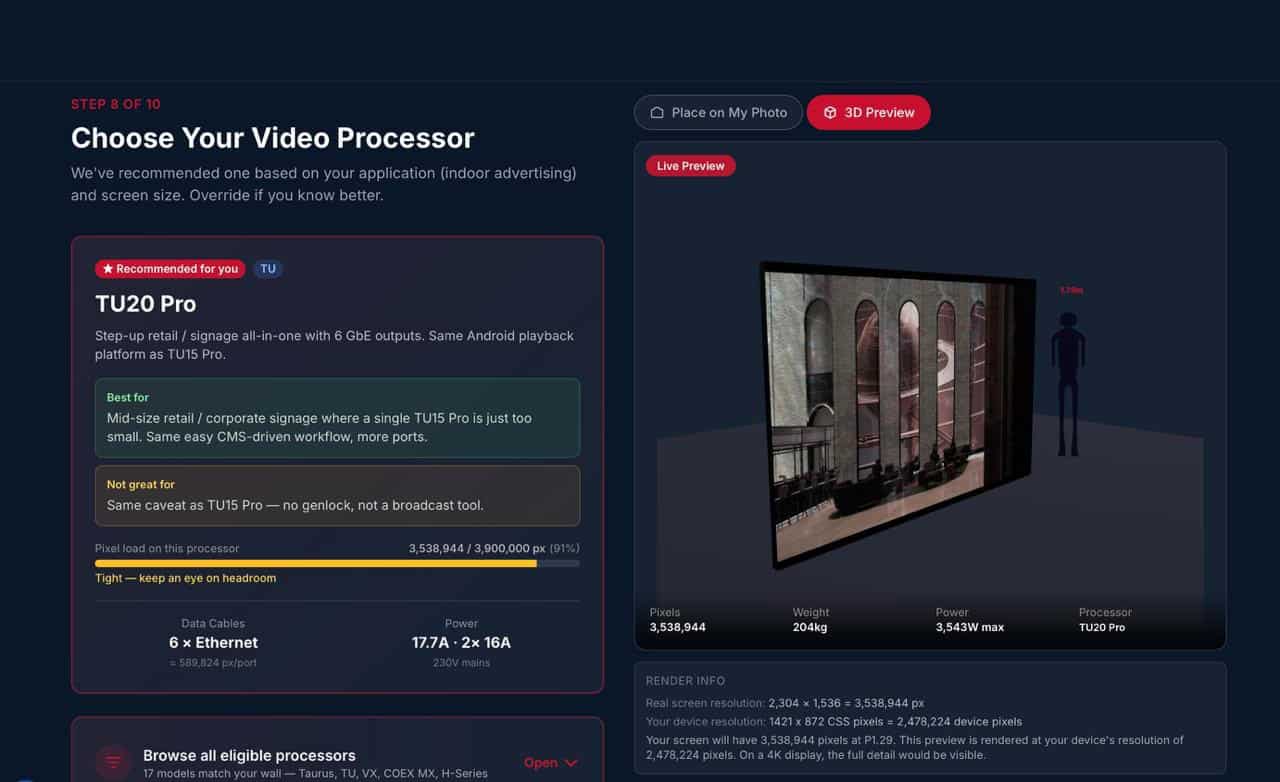
A nit is a unit of luminance: one candela per square metre (cd/m²). It tells you how much light the screen pushes out from its surface. Outdoor LED screens commonly run at 5,000–8,000 nits to compete with direct sunlight. Indoor panels sit far lower because the ambient light they need to overpower is weaker.
The problem with quoting a single nit figure is that it describes the panel in isolation. A 1,200-nit indoor LED screen in a windowless boardroom with dimmed lights will look intensely bright. The same screen facing a south-facing glass wall at midday may look washed out unless the content and calibration account for the light flooding in.
Contrast ratio matters just as much. A panel with a high native contrast ratio — the difference between its darkest black and its peak white — will appear more vivid at a lower brightness setting than a panel with a weaker contrast ratio running at higher nits. Reflections reduce perceived contrast too. Marble, glass partitions, polished floors and chrome finishes all bounce light back toward the screen surface. Before increasing the brightness specification, it is worth checking whether the screen can be angled away from the strongest reflection, or whether the content plan can avoid large dark fields that suffer most from reflected light.
How Ambient Light in Lobbies Shifts the Target
Glazing percentage is the single largest variable. A full-height curtain wall flooding the space with natural light can push ambient levels well above 2,000 lux at midday in summer — we typically measure between 1,800 and 2,500 lux in south-facing London atriums. In those conditions, an 800-nit panel will struggle. An indoor LED screen rated at 1,200 nits or above gives enough headroom to stay legible throughout the day without relying solely on blinds or tinted glass.
Flooring and wall finishes contribute more than most specifiers expect. Polished stone, white render, and glass balustrades all bounce light back toward the screen surface. A dark-carpeted office with matte walls might only need 700 nits where a marble-clad atrium with the same window area needs 1,200 or more.
Overhead lighting adds another layer. Recessed spotlights aimed toward the screen create hotspots and wash out sections of the image. We recommend reviewing the lighting layout and, where possible, coordinating with the fit-out team to angle spots away from the display surface.
Time-of-day variation makes auto-brightness sensors a practical addition rather than a luxury. A lobby that hits 3,000 lux at noon may drop below 200 lux by 7 pm. Running a screen at full brightness into the evening wastes energy and creates an uncomfortably bright focal point. Sensor placement needs care — it should measure light conditions at the screen face, not a sunlit patch on the floor or a dark ceiling void. Dimming curves also matter: human eyes do not perceive brightness in a straight line, so commissioning should include real viewing checks, not only menu settings.
For spec sheets covering panel options suited to these conditions, see our indoor LED screen range.
Why Too Much Brightness Makes a Reception Screen Worse
A lobby LED video wall is not a roadside digital billboard. People may be standing close to it, sitting opposite it, or working beside it for hours. Excess brightness causes real problems indoors:
- White screens feel harsh at close range.
- Dark content looks grey because the screen is being driven too high for the room.
- Reception staff ask for the screen to be turned down — which can reveal weak low-brightness calibration.
Running an indoor panel at or near its peak brightness continuously also shortens LED lifespan and increases thermal load. For a lobby screen running 12–16 hours a day, keeping average brightness at 60–70% of peak capacity is a reasonable target. A 1,500-nit panel running at 1,000 nits average draws less power and generates less heat than a 1,000-nit panel pushed to its ceiling.
If you’re planning a lobby or reception installation, our indoor LED displays are designed for exactly these conditions — purpose-built for permanent, low-glare environments where comfort and image quality matter.
Low-brightness performance matters here. Many reception screens spend long periods at reduced output. If greyscale handling is poor at lower levels, gradients can band, dark areas can crush, and brand colours can shift. This is why the LED panel itself, the receiving cards, the processor, and the calibration process matter as much as the headline nit rating. Brompton processing suits colour-critical reception installs where brand accuracy is non-negotiable. Novastar is a practical choice for mid-range fixed installs where cost matters more than calibration depth. The choice should follow the content and control requirements of the project.
Pixel Pitch Changes the Brightness Conversation
Brightness and pixel pitch should not be specified separately. A reception screen viewed from 1.5 metres has a different comfort threshold from a larger screen viewed from 6 metres away.
For viewing distances under 4 metres — typical in receptions — a pixel pitch between 1.5 mm and 2.5 mm keeps text sharp and prevents visible pixel structure. A 2.5 mm indoor LED screen is a common fit for reception walls where viewers are usually a few metres back. It gives enough pixel density for text, brand graphics, and video without pushing the project into ultra-fine-pitch cost territory. Finer pitches suit very close-up viewing but cost more per square metre. Coarser pitches (3 mm and above) are better suited to screens viewed from further back, such as conference halls or retail atriums.
For premium fixed reception installs, our DFC fixed-install LED panel range is normally the starting point where image quality, cabinet tolerance, and long-term serviceability carry more weight. For mid-range permanent installs, our DX fixed-install range can be a sensible fit when the environment and content brief do not require the same level of finish. If the screen needs to curve around a feature wall or fit an architectural shape, our LVW flexible curtain LED range may enter the discussion. For most flat reception screens, fixed-install DFC or DX is the cleaner route. Browse all options on our LED display products page.
If you are comparing screen sizes, pitches, and brightness ranges, reception LED video walls to get a practical starting point before we refine the specification around the room.
Content Can Change the Required Nit Level
Two screens with the same hardware can feel very different depending on content. A white visitor directory at 1,000 nits can be uncomfortable close up. A dark brand film at the same display setting may look restrained.
Content with a high average picture level — white slides, pale backgrounds, large blocks of colour — creates more perceived brightness. Content with darker scenes and controlled highlights usually feels less intense. For lobbies and receptions, we normally advise:
- Avoid full-white background designs where visitors stand close.
- Use dark or neutral backgrounds for wayfinding where brand guidelines allow.
- Keep text contrast high rather than relying on high brightness.
- Test brand colours at the actual operating brightness, not only at full output.
- Set different brightness profiles for opening hours, evening events, and out-of-hours display.
From the field — indoor LED brightness in real lobby projects
I have specified and commissioned lobby screens across dozens of London reception projects over the past several years, and the pattern is consistent. Most sit between 1,000 and 1,400 nits of available brightness. One example: a 12 m² reception screen for a law firm near Canary Wharf — 2.5 mm pitch panels, 1,200 nits peak, running at around 850 nits average with auto-dimming — has been running daily with no brightness complaints from the reception team.
The exceptions are the fully glazed ground-floor retail units where you are essentially looking at a shop window with a screen behind it — those need more, and sometimes the honest answer is that the glazing needs treating before the screen goes in. I would rather have a screen with enough headroom, good low-brightness behaviour and a sensible control setup than throw nits at the problem and end up with a screen that looks harsh after dark. — Daniel, Dynamo LED Displays
Indoor LED Brightness Nits: Frequently Asked Questions
How many nits should an indoor LED video wall have?
Most indoor LED reception screens need around 600 to 1,500 nits of available brightness. Controlled interiors may sit closer to 500 to 800 nits, while bright lobbies with large glass areas may need 1,200 to 1,500 nits of headroom. The screen will often run below maximum brightness during normal use, so the headline figure is about available capacity rather than constant output.
Can an LED screen be too bright indoors?
Yes. An over-bright indoor LED screen in a reception area causes glare, washes out colour accuracy, and creates visual discomfort for staff sitting nearby. It also uses more power and generates more heat than necessary. Auto-brightness sensors help by scaling output to match changing light conditions, keeping the image punchy without overwhelming the room.
Do glass-fronted receptions need brighter LED screens?
Usually. Glass-fronted receptions often need more brightness headroom because daylight changes throughout the day. A practical range is often 1,000 to 1,500 nits, depending on screen position and reflections. If direct sunlight hits the screen face, placement should be reviewed before relying on brightness alone — indoor LED screens are not designed to overpower the sun.
Does pixel pitch affect perceived brightness?
Yes. A finer pixel pitch (1.5–2.5 mm) distributes the same light output across more LEDs, which can soften the overall appearance at close range and reduce harsh hotspots. Coarser pitches concentrate light into fewer, brighter points — fine at distance, but uncomfortable up close. Matching pixel pitch to viewing distance controls visual comfort as much as adjusting the nit setting. For detailed pitch guidance, see the pixel pitch section above.
Does screen orientation affect brightness needs?
Orientation itself does not change the brightness requirement, but the direction the screen faces relative to windows does. A screen mounted opposite a glass wall receives more reflected and direct ambient light than one mounted on the same wall as the glazing. Mapping the light path from windows to screen surface during the site survey is a straightforward way to set the right target.
Should lobby LED screens use automatic brightness control?
Automatic brightness control is useful in lobbies with changing daylight, especially spaces with large windows or atriums. It should be commissioned carefully so adjustments feel gradual. Poor sensor placement can make the screen too bright, too dim, or visibly unstable during changing weather.
Can content design reduce the brightness needed?
Content with dark backgrounds and high text contrast can reduce required brightness by allowing the indoor LED screen to run 20–30% lower without losing legibility. Full-white layouts, pale slides, and large bright colour blocks need more careful brightness management. Testing content at actual operating brightness, rather than only at full output, catches problems before they reach the lobby.
What is the difference between indoor and outdoor LED brightness?
Outdoor LED screens typically run at 5,000–8,000 nits to remain visible in direct sunlight. Indoor screens operate at 600–1,500 nits because the ambient light they compete with is far lower. Using an outdoor-rated panel indoors wastes energy, generates unnecessary heat, and often looks uncomfortably bright. Purpose-built indoor LED screens deliver better colour accuracy and contrast at appropriate brightness levels.
Specifying Indoor LED Brightness Nits With Confidence
Measure or estimate your peak ambient light, factor in glazing and surface finishes, and set a brightness target that gives headroom without excess. For most lobbies and receptions, that target falls between 600 and 1,500 nits — with fully glazed spaces occasionally pushing higher.
Pair the right brightness with an appropriate pixel pitch, good low-brightness calibration, and auto-brightness control, and the screen will look sharp from the moment a visitor walks in, whether it is 8 am in winter or midday in July.
To talk through your indoor LED lobby or reception project and confirm the right brightness and nits target for your space, call us on +44 (0)203 489 9878 or get in touch via our contact page. You can also build your specification using our indoor LED wall specification — it takes a few minutes and gives you a clear starting point for your project.